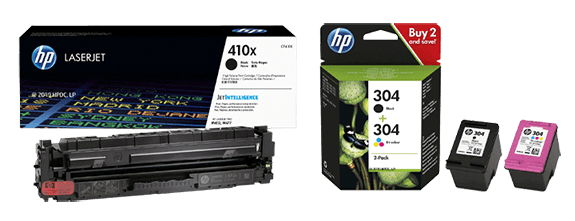
1 HP Instant Ink: Save up to 70% on ink. HP Instant Ink is the hassle‑free, money‑saving ink subscription service that automatically delivers ink only when you’re running low. More information: www.hpinstantink.com.
HP+ is the free upgrade that makes your new HP printer even smarter—with advanced features, automatic updates, enhanced security and more.
HP+ requires an HP Smart account, an internet connection, and the use of Original HP Ink for the life of the printer.
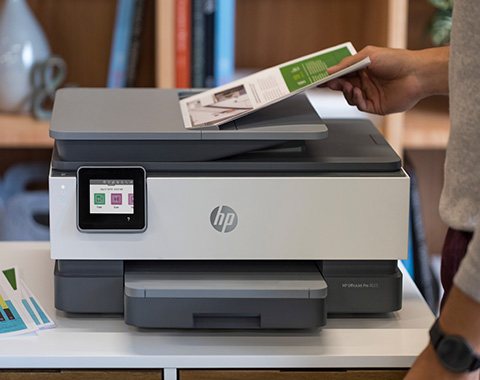
2 The HP OfficeJet Pro 8100, 9100 and 9700 series feature self‑healing Wi‑Fi®, HP’s best and most reliable wireless technology for uninterrupted printing. Internet access required and must be purchased separately. Wireless operations are compatible with 2.4 GHz and 5 GHz. For more information, visit www.hp.com/go/mobileprinting. HP Security is now called HP Wolf Security. Security features vary by platform. For more information, see the product data sheet.
3 Compared with OEM print apps for most top‑selling network‑capable inkjet and laser printers and all‑in‑one devices for home and office use priced up to €450. Printer selection based on market share according to the IDC Quarterly Hardcopy Peripherals Tracker – Final Historical CYQ1 2023 for North America and the EMEA region. This statement is based on an evaluation of print apps from printer manufacturers, hands‑on testing, and a study commissioned by HP from Keypoint Intelligence in July 2023. For more details, see: keypointintelligence.com/HPSmartapp. Requires downloading the HP app, available at www.hp.com/go/mobileprinting. Certain features are available in English only and may vary by printer and PC model, country, and between desktop and mobile applications. HP reserves the right to introduce charges for use of select HP app functionality. Internet access required. The app may not be available in all countries. HP account required for full functionality. Fax sending capability only. For a list of supported operating systems, see the app stores. For details, visit www.hpsmart.com.