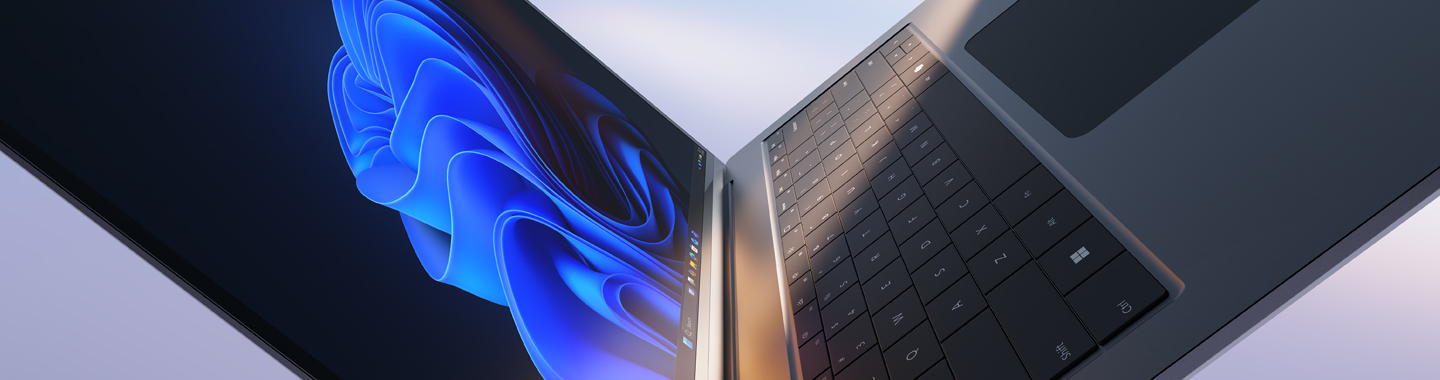
Microsoft Windows 11 Pro with two business devices

Windows 11 Pro.

AI-powered productivity with built-in protection.

The digital world is evolving at pace, driven by rapid technological advances, particularly in AI. At the same time, expectations around employee productivity continue to grow.

Supporting scalable growth requires devices that evolve alongside your business, work reliably and help protect your organisation. Windows 11 Pro devices are designed to do exactly that, combining advanced security with simplified IT management to help your teams stay productive and focused.

Just get in touch.

Get in touch now to discuss your requirements.

Uncompromising innovation and security.

Windows 11 Pro PCs are built to Microsoft’s global security standards. With protection working quietly in the background, employees can stay focused, productive and free to drive innovation.

Administration

IT efficiency.

Simplified management reduces the burden on IT teams while providing the stability organisations depend on. Copilot+ PCs can help reduce device management time by up to 30%.

Dataprotection Icon

Security.

Modern protection is built in from the start rather than added later. Windows 11 Pro devices can help reduce security incidents by up to 62%.

Revenue growth Icon

Productivity.

Advanced capabilities help teams work more intelligently, efficiently and creatively, wherever they are. Windows 11 Pro devices can enable workflows and collaboration to be up to 50% faster on average.

The platform for your business goals.

Technology requirements vary across organisations, depending on the role, workload and business objective. Windows 11 Pro devices are built on a range of platforms, each offering distinct strengths in performance, efficiency and AI capabilities. Discover the platform that best supports your organisation’s long-term success.

A clearer perspective on Windows 11 Pro.

Deploying new PCs is about more than a technology upgrade. For organisations looking ahead, the real opportunity lies in bringing together security, productivity and innovation in a way that supports long-term success. The overview below highlights the key strategic considerations to help you plan your transition to Windows 11 Pro.

Built-in security.
Measurable productivity.
Efficient IT management.
A future-ready investment.
Built-in security.

Windows 11 Pro takes a multi-layered approach to security, providing protection from chip to cloud and creating a consistent security foundation from the outset. Integrated security capabilities help organisations reduce risk while simplifying security management contributing to a measurable reduction in security incidents of up to 62%.

Windows 11 Pro includes:

  • Windows Hello: Replaces traditional passwords, helping to significantly reduce the risk of phishing attacks.
  • Hotpatch: Installs security updates while systems remain in operation, without requiring a restart.
  • Phishing protection: Provides real-time protection against credential theft and cyber threats.
Measurable productivity.

With Windows 11 Pro, teams can work more efficiently and in a more organized manner in their day-to-day work. Optimized workflows and integrated features ensure that tasks can be completed more quickly. Combined with AI-powered support, this creates a modern work environment that sustainably boosts productivity—with processes up to 50% faster compared to previous systems.

Efficient IT management.

Windows 11 Pro significantly simplifies the deployment, management, and security of devices. Modern tools and automated processes reduce the workload on your IT department and enable more efficient management of your entire device fleet. As a result, companies can significantly reduce the effort required for IT management—forecasts indicate time savings of up to 30%.

A future-ready investment.

Windows 11 Pro is built for the AI era. By combining modern hardware, integrated security and a scalable architecture, it provides a foundation that can evolve alongside your organisation and adapt to changing business needs. New technologies and ways of working can be integrated with confidence, helping organisations innovate and grow without disrupting existing environment

Windows 11 Pro and Copilot+ PCs at a glance.

Windows 11 Pro PCs combine strong performance with proven security. Copilot+ PCs take the platform a step further adding a dedicated NPU that enables AI workloads to run directly on the device.

The overview below shows how Copilot+ PCs can extend the capabilities of Windows 11 Pro, depending on your organisation’s requirements.

Base:
Windows 11 Pro

Extension:
Windows 11 Pro Copilot+ PCs

Security.

High standards with built-in device security

Advanced hardware-based security, e.g. through protection mechanisms enabled by default

Performance.

High performance for business applications

Significantly higher performance thanks to AI-optimised hardware and a dedicated NPU

Battery life.

Reliable battery life for everyday use

Significantly longer battery life

AI features.

Basic Copilot integration

Advanced AI features directly on the device (e.g. context-based automation)

Productivity.

Working efficiently with established tools

Additional time savings through AI-powered workflows

AI features.

Basic Copilot integration

Advanced AI features directly on the device (e.g. context-based automation)

Communication.

Standard meeting features

Advanced audio/video optimisation and live subtitles

IT management.

Fully integrable into existing IT structures

Consistent management and additional efficiency gains

Business Impact.

Improved security and productivity

Added value through AI, increased efficiency and long-term scalability

The technology behind modern Windows devices.

Windows 11 Pro devices are built on an integrated architecture that brings together hardware, software and cloud services:

  • Secured-core PC: Multi-layered protection from chip to cloud
  • Microsoft Pluton security processor: Hardware-based protection for sensitive data
  • Microsoft 365 and Copilot integration: Supporting modern, AI-powered ways of working

Together, these capabilities provide a security foundation that is active by default and can adapt flexibly to future business requirements.

Expert guidance tailored to your IT environment.

From strategic planning to hands-on implementation, Bechtle supports organisations in introducing and evolving modern workplaces based on Windows 11 Pro.

Areas we typically focus on include:
  • Aligning Windows 11 Pro with your wider IT strategy
  • Selecting the right Windows 11 Pro devices for your requirements
  • Addressing security and governance considerations in an enterprise environment
  • Preparing for future AI-driven use cases and agile ways of working
Carina Kaiser
Carina Kaiser
Partner Manager Microsoft

Frequently asked questions about Windows Means Business.

What are the benefits of Windows 11 Pro devices for businesses?
Why are Windows 11 Pro business devices particularly well suited to hybrid working?
How secure are Windows 11 Pro devices in enterprise environments?
How does Windows Autopilot simplify device deployment?
What role does Microsoft 365 play on Windows 11 Pro devices?
How does Windows 11 Pro support centralised IT management?
What are the benefits of Windows 11 Pro devices for businesses?

Windows 11 Pro devices are designed to meet the needs of modern organisations, combining powerful hardware with advanced security, intelligent device management and an enhanced user experience. Businesses benefit from higher productivity, seamless integration with Microsoft 365 and more effective collaboration in hybrid working environments. Support for centralised device management also helps streamline IT operations and improve efficiency.

Why are Windows 11 Pro business devices particularly well suited to hybrid working?

Hybrid work requires devices that perform reliably both in the office and on the move. Windows 11 Pro business devices support modern video conferencing, cloud-based access and collaborative working, allowing employees to access applications and business data securely from virtually anywhere. Integration with Microsoft 365 helps teams work together more effectively and supports efficient workflows, making it easier for organisations to balance flexibility with productivity.

How secure are Windows 11 Pro devices in enterprise environments?

Security is one of the key strengths of Windows 11 Pro. The platform includes hardware-based protection, encryption, identity safeguards and advanced security features as standard, helping organisations better protect devices, applications and data against cyber threats. A combination of hardware and software security creates a strong foundation for secure working in the office, at home and while travelling, making Windows 11 Pro a compelling choice for security-conscious organisations.

How does Windows Autopilot simplify device deployment?

Windows Autopilot automates the provisioning of new business devices, significantly reducing the workload for IT teams. Devices can be configured centrally before deployment, allowing employees to complete setup themselves after first sign-in. Applications, policies and security settings are applied automatically through a zero-touch deployment process, reducing manual effort and enabling new devices to be rolled out quickly, even across distributed teams.

What role does Microsoft 365 play on Windows 11 Pro devices?

Together, Windows 11 Pro and Microsoft 365 create a powerful workplace platform for organisations. Employees gain access to modern productivity applications, cloud services and collaboration tools such as Microsoft Teams, while organisations benefit from improved management capabilities, up-to-date security standards and a consistent user experience. Close integration between the two platforms supports efficient workflows, strengthens collaboration and helps accelerate digital transformation.

How does Windows 11 Pro support centralised IT management?

Windows 11 Pro enables centralised management of devices, applications and user identities. When combined with solutions such as Microsoft Intune and Windows Autopilot, organisations can enforce security policies, manage software and administer endpoints remotely. The result is lower administrative overhead and simpler compliance management, while providing a scalable foundation for modern endpoint management in growing and distributed organisations.