The new Samsung Flip –
WMFX series.
An intuitive display powered by Tizen.
Natural and precise writing experience.
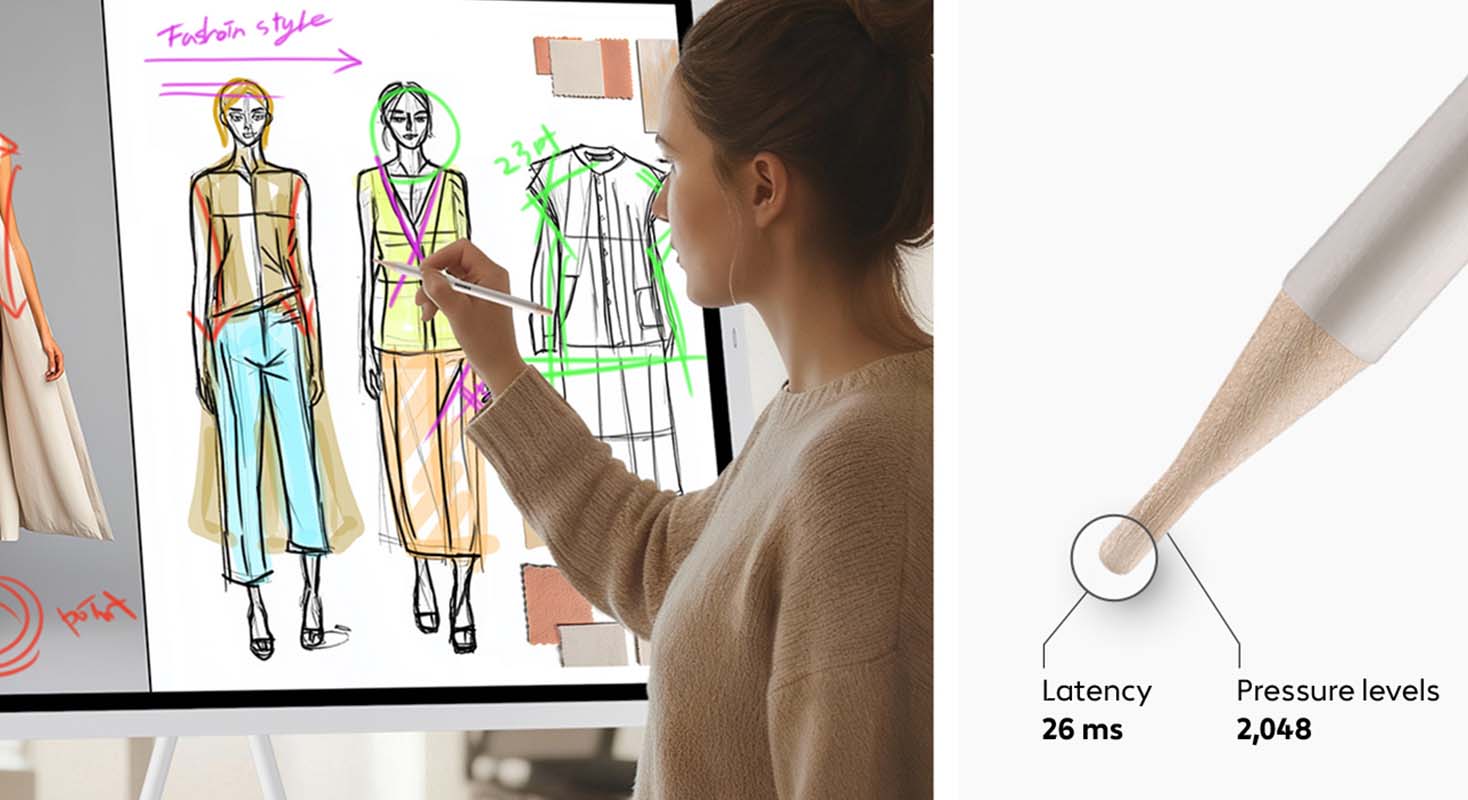
The Flip offers smooth and accurate pen performance. With 26ms response speed and 2,048 pressure levels, it feels almost like pen on paper, while Flexible Erasing allows intuitive corrections with hand or palm².
Enhanced Whiteboard.
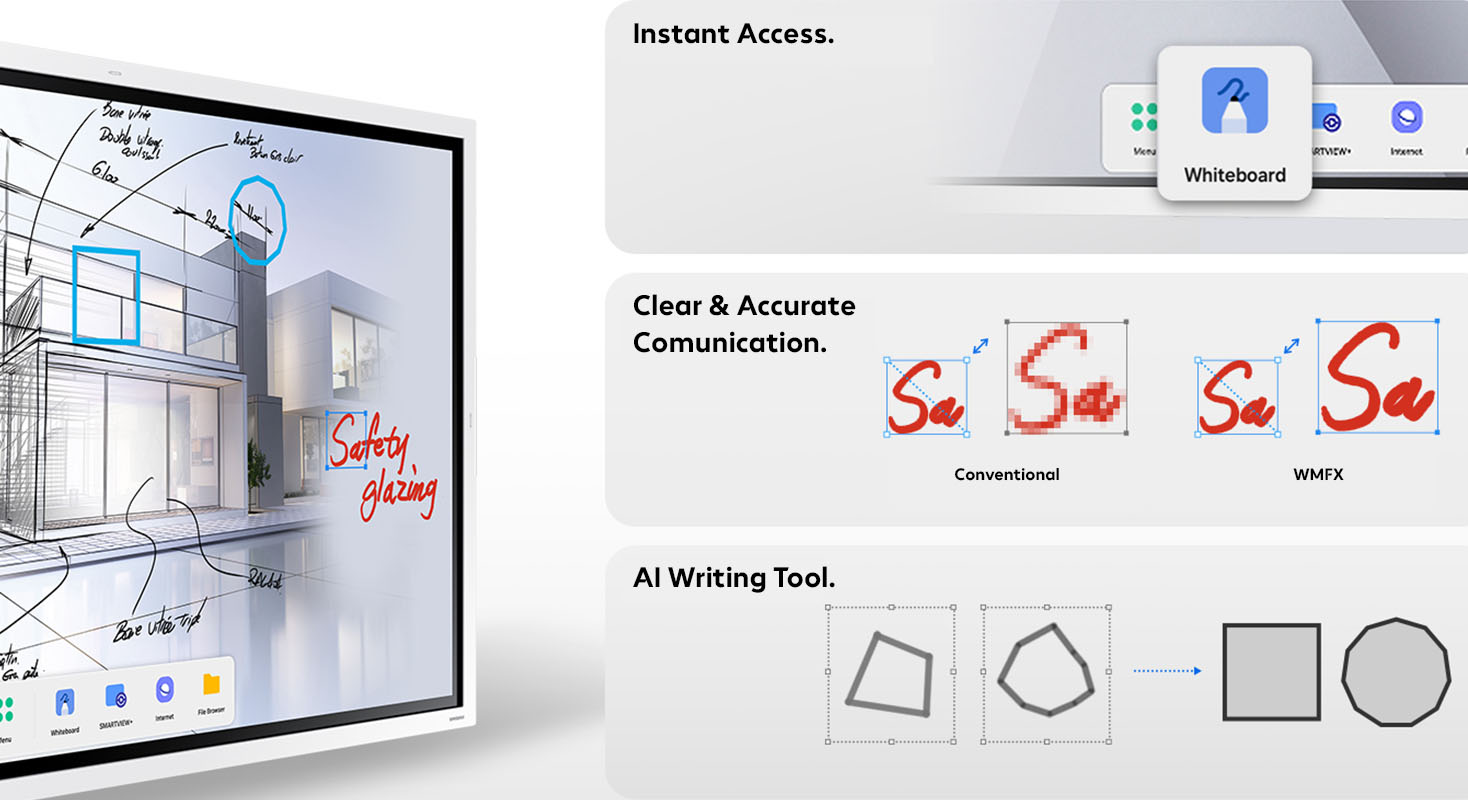
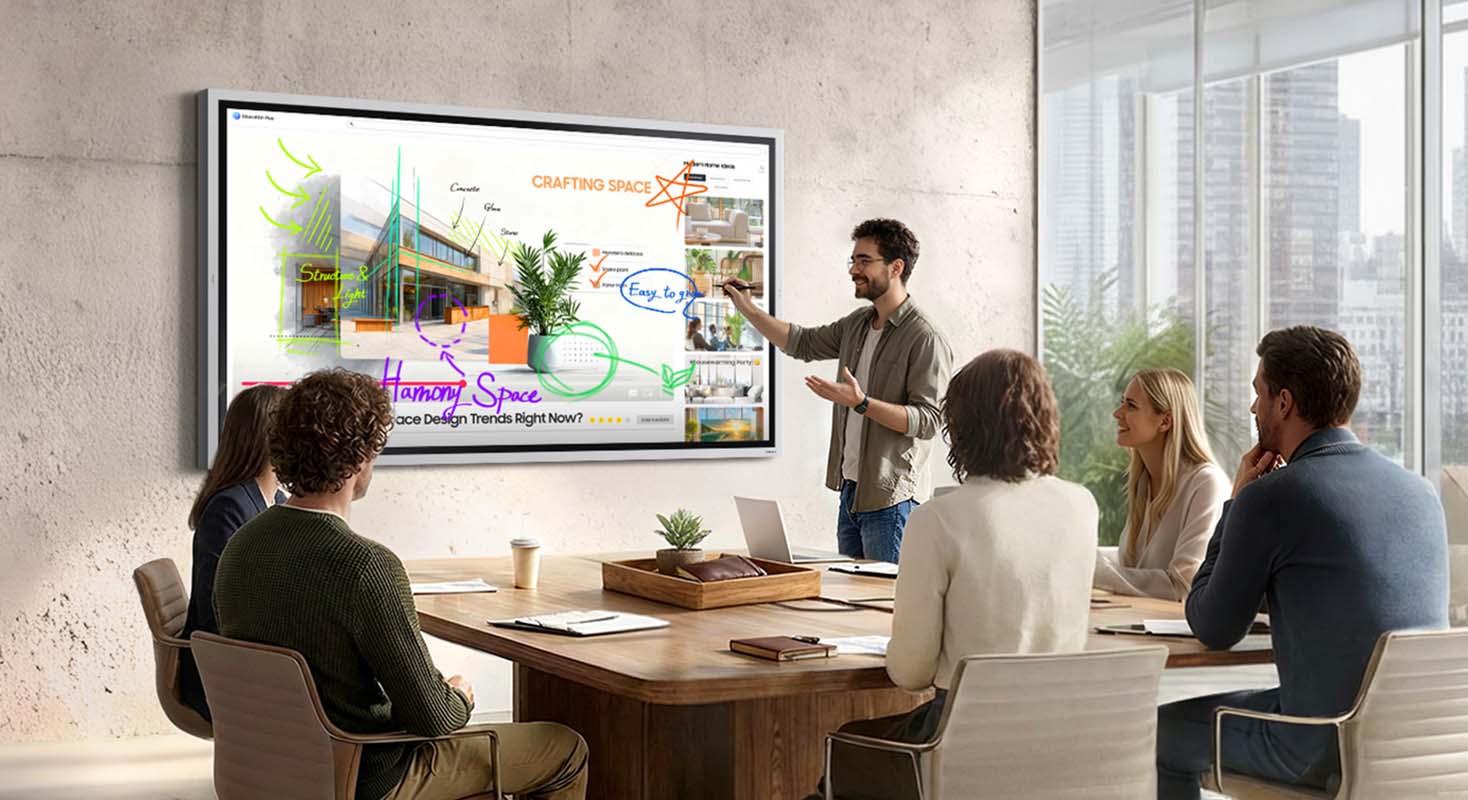
The enhanced Whiteboard App brings your ideas to life. It makes every note and sketch editable, enabling you to freely move or resize content with retained clarity and detail. The AI Writing Tool allows direct input of handwritten text into search fields and automatically refines rough shapes into clean, professional graphics.
Flip Home.
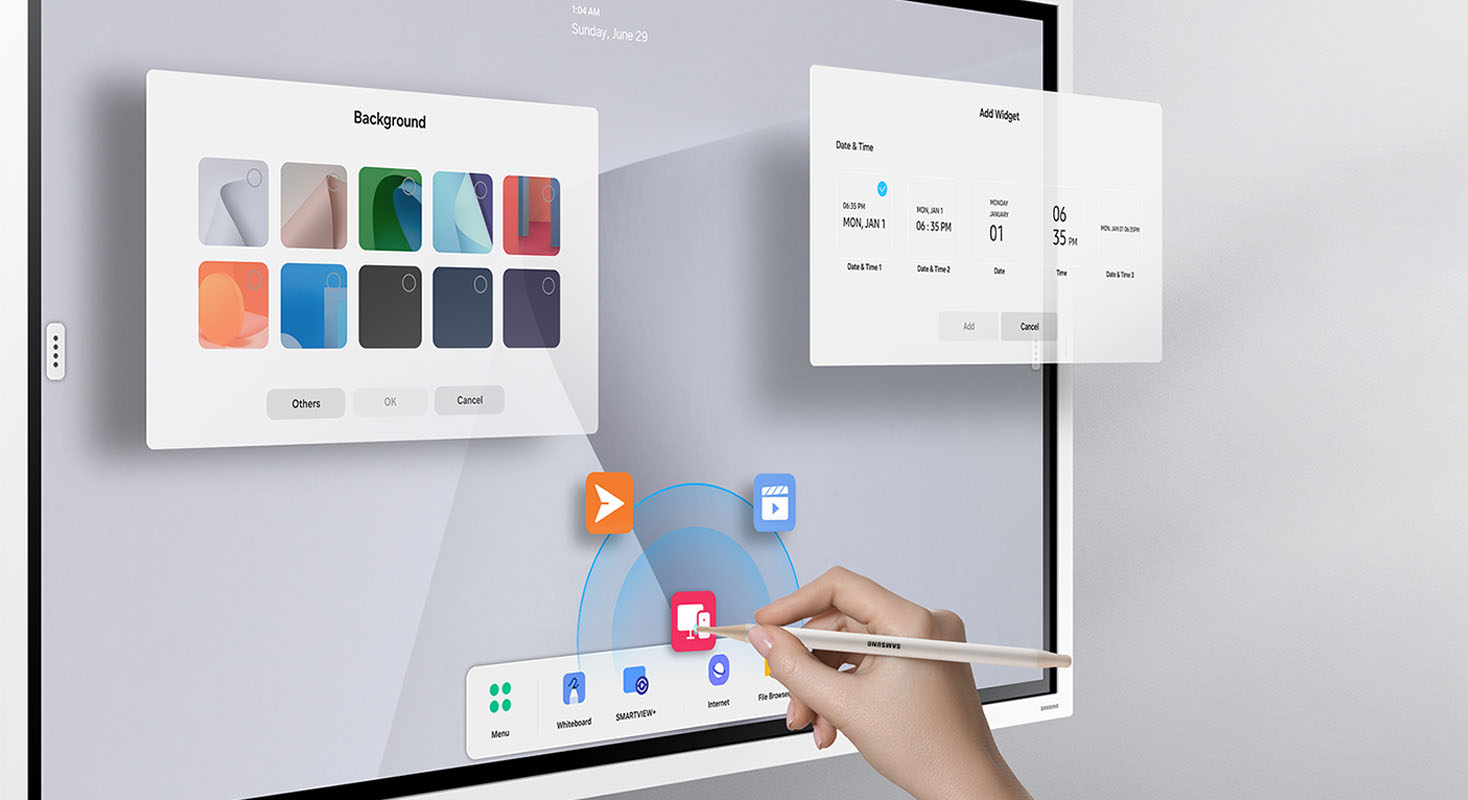
Flip Home keeps your frequently used apps—Whiteboard, Note On, Workspace, or Screen Share—exactly where you want them. Customise your toolbar once, and every meeting becomes smoother and more efficient, with quick access to the tools your team relies on.
Samsung Knox Security.
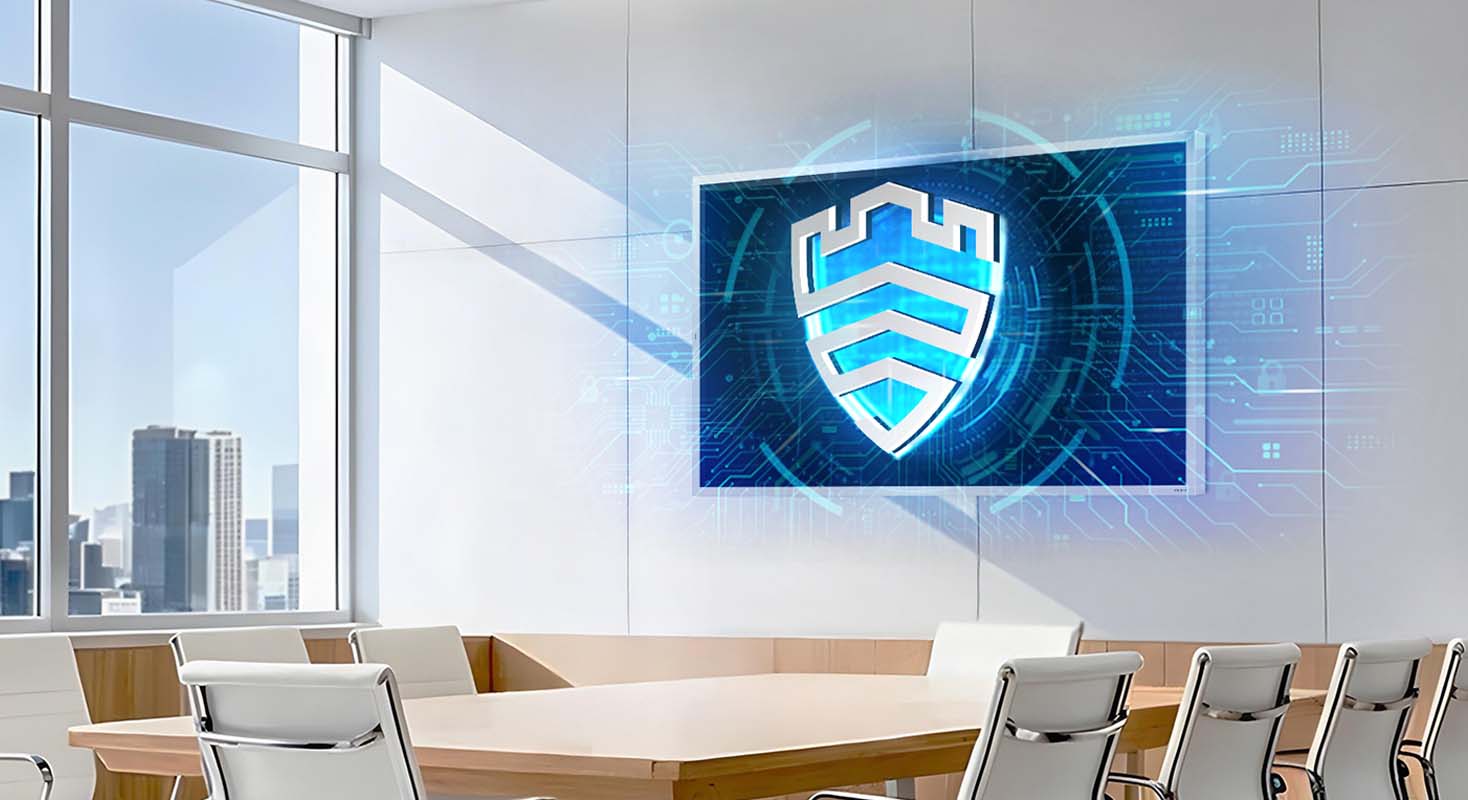
Backed by Samsung Knox, The Flip provides multi-layered protection against unauthorised access and data leaks. From boot-up to shutdown, critical business content stays safe, allowing teams to collaborate with confidence—even in connected environments.
Annotation On.
Users can quickly write on the screen at any moment, thanks to the easily accessible Annotation function. Whether watching a video or browsing online, there’s no need to interrupt the session or take screenshots. This feature makes real-time collaboration effortless.
Easy Multitasking.
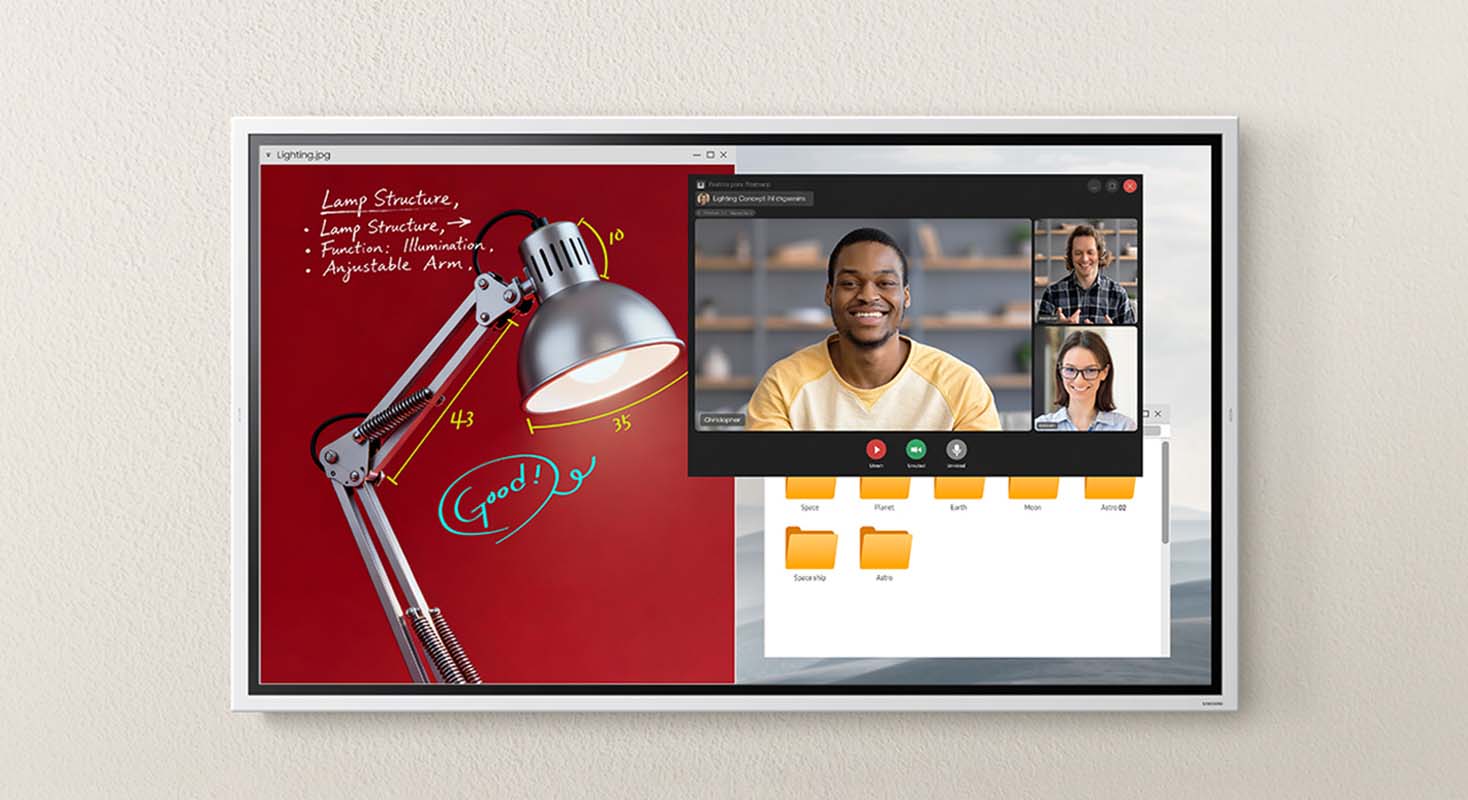
Boost meeting efficiency with Easy Multitasking, displaying multiple windows on one screen to let you review documents, browse the web, and take notes simultaneously—no screen switching needed.
SMARTVIEW+.
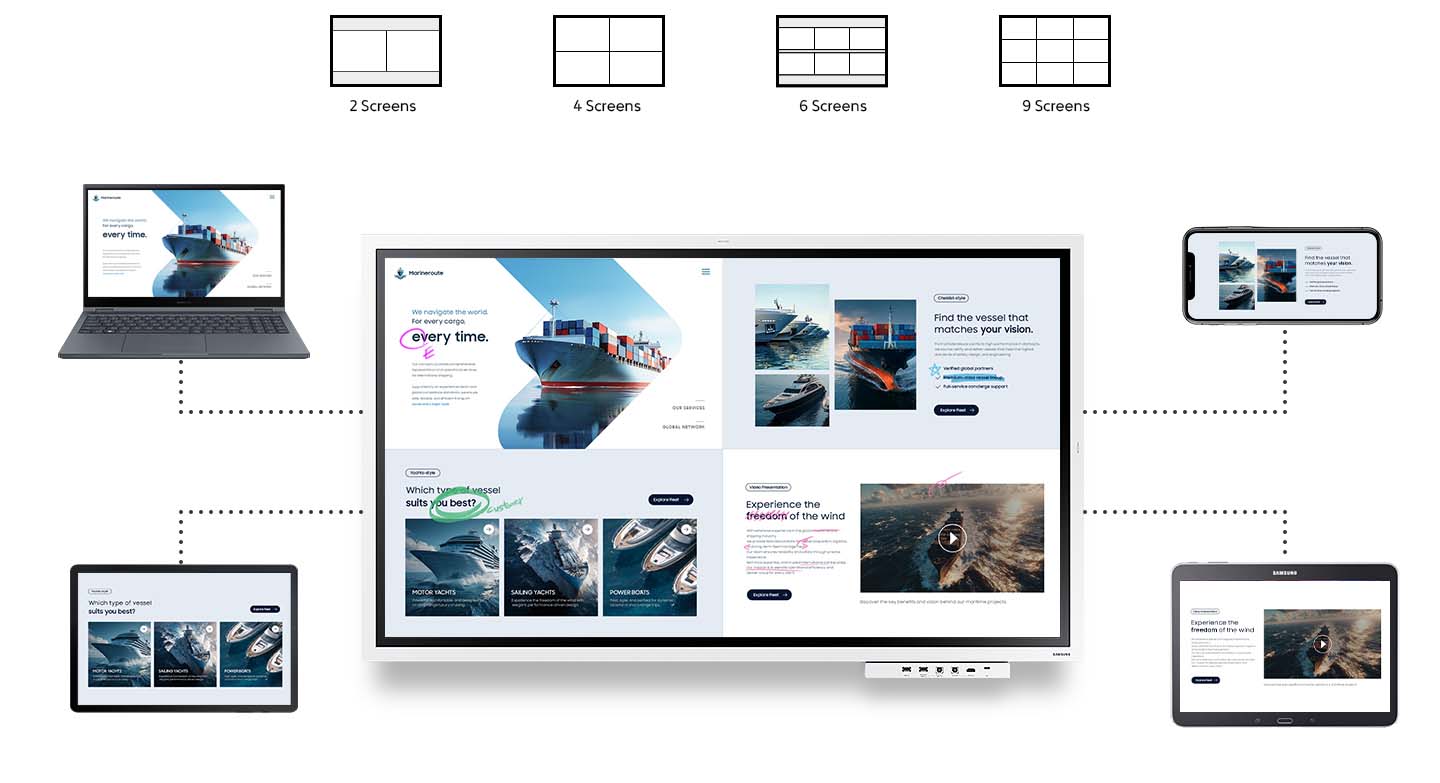
Make collaboration seamless with wireless screen sharing across multiple devious—up to 9ㅡallowing you to quickly switch between them with a single click.3
Have questions about our solutions or products? Just drop us an e-mail. We’re happy to help.
Frequently asked questions on the Samsung Flip WMFX Series.
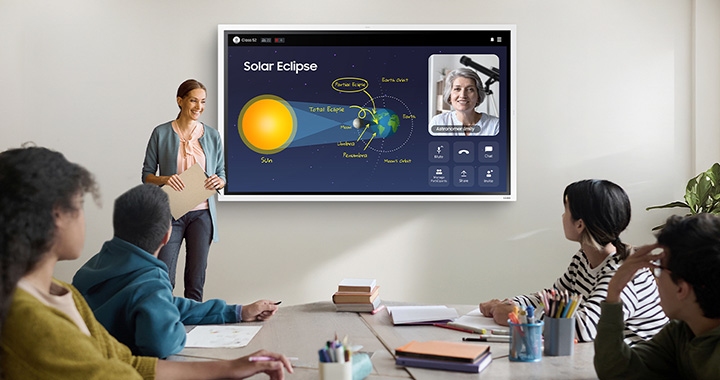
Samsung Flip WMFX is an interactive UHD display designed for modern meeting rooms and classrooms. Running on the intuitive Tizen operating system, it supports both collaborative business meetings and use in education. Features such as multi-touch for up to 20 users, wireless screen sharing and integrated whiteboard tools enable real-time collaboration, making Samsung Flip WMFX a central platform for presentations, workshops and training sessions.
The built-in Tizen 9.0 operating system delivers fast, stable performance with low latency, while a PC-like interface with multi-window functionality and a taskbar makes it easy to use. Microsoft 365 applications can be accessed directly via the browser without the need for an external PC, reducing setup effort and allowing meetings to run quickly, efficiently and independently of additional hardware.
Samsung Flip WMFX provides a natural writing experience, with a response time of just 26 ms and 2,048 levels of pressure that make writing and drawing feel almost like pen on paper. The updated whiteboard app allows you to move, scale and edit notes freely, while the AI Writing Tool turns handwritten sketches into clear visuals, making it ideal for brainstorming sessions, design reviews and agile workshops.
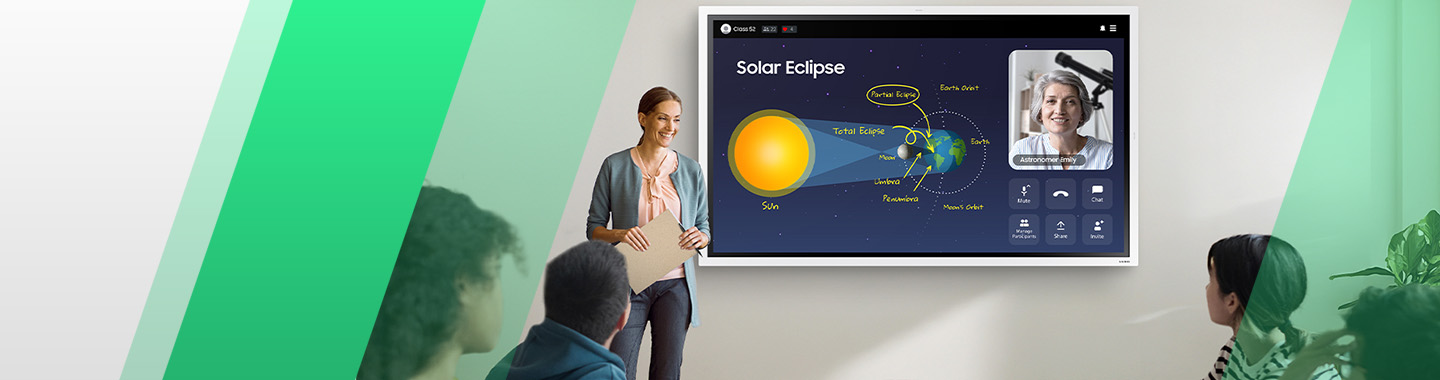
With SMARTVIEW+, Samsung Flip WMFX enables wireless screen sharing with up to nine devices at the same time, allowing content to be shared quickly without cables and switched easily between screens. Easy multitasking lets you display multiple windows side by side, so documents, web content and notes can be used in parallel, helping meetings stay structured and efficient.
Samsung Knox security protects content on Samsung Flip WMFX across multiple layers, safeguarding sensitive data from unauthorised access and loss from startup through to shutdown. This makes Samsung Flip WMFX well suited to professional use in organisations and educational settings where data protection, compliance and secure collaboration are essential.