

AI-backed video conferences.
Breathe new life into your video calls with innovative AI cameras that deliver an immersive experience.
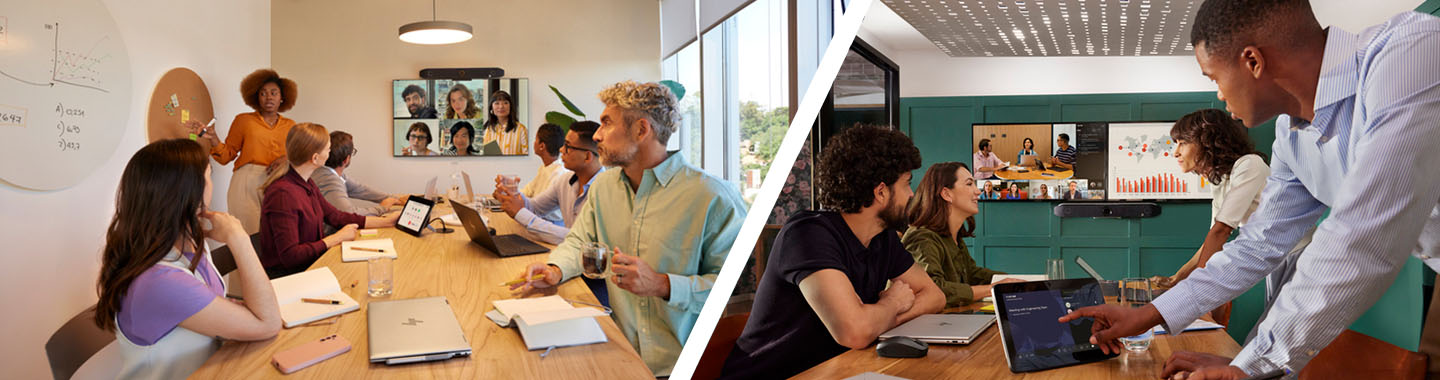
Businesses of all shapes and sizes require modern solutions, and video conferences connect teams with customers and keep your ensures remote staff are kept in the loop. Discover how to modernise your meeting spaces with AI-backed solutions that save time, money and ensure your business is always seen from its best side.
Video conferencing challenges.
Traditional meeting rooms tend to be unsuitable for hybrid working and if any of the following sound familiar, it’s high time to for a rethink.
Rooms without video equipment.
Modern meetings have both physical and remote participants and rooms without video equipment simply aren’t up to the job.
A lack of flexibility.
Customers or suppliers may use different meeting software, so you need solutions that can connect to all major video calling platforms.
Mediocre experience for remote participants.
You need AI-driven solutions in your meeting spaces that automatically frame and zoom so that remote employees can see and hear the speaker with ease.
Complex setup.
You simply cannot afford to be late for a customer meeting so choose an out-of-the-box or on-click connection options.
How to equip all meeting spaces with the best video conferencing solutions.
Personal workspaces.
Stop paying for services you don’t need. Choose a video conferencing solution that is adapted to your space to take pressure off your budget. You’ll need a camera with a narrow field of view that frames one or two people in the room.
Personal workspaces.
Stop paying for services you don’t need. Choose a video conferencing solution that is adapted to your space to take pressure off your budget. You’ll need a camera with a narrow field of view that frames one or two people in the room.
Small and medium-sized rooms.
Invest in an intelligent webcam that automatically frames speakers. Place the device close to your screen so that face-to-face and remote participants can have natural conversations.
Small and medium-sized rooms.
Invest in an intelligent webcam that automatically frames speakers. Place the device close to your screen so that face-to-face and remote participants can have natural conversations.
Large meeting spaces.
It doesn’t have to complicated to set up a large room. Opt for all-in-one solutions featuring a dual-lens FOV camera to capture people no matter how far away they are sitting, plus powerful built-in microphones and speakers so everyone can hear and be heard.
Large meeting spaces.
It doesn’t have to complicated to set up a large room. Opt for all-in-one solutions featuring a dual-lens FOV camera to capture people no matter how far away they are sitting, plus powerful built-in microphones and speakers so everyone can hear and be heard.
Video platform compatibility.
From Google Meet and Microsoft Teams to Zoom, choose devices certified to work with all your favourite platforms.
Keep it within budget.
Choose solutions that offer the best audio and video technology features at the best price.
User-friendly.
Go for simplicity and automation to ensure meetings begin and continue smoothly.
Durability.
Look for scalable, AI-enabled solutions that are flexible enough to grow with your business.
1. Poly DirectorAI intelligent camera technology.
Poly DirectorAI is our proprietary suite that incorporates AI technology to offer end users automation of camera settings during meetings. It highlights the speaker as well as all participants around the table for greater visibility and inclusivity.
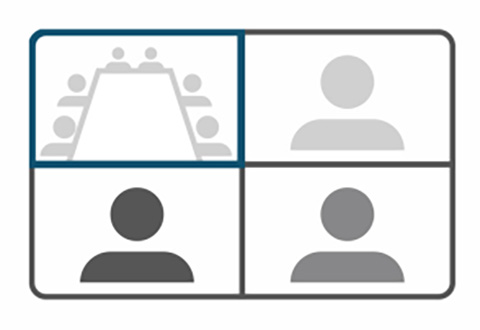
This feature optimises the framing to display the entire group on-screen without leaving empty space at the sides. It’s an ideal option for small groups during active discussions or for including all members of large groups.
This feature adjusts the zoom and framing to highlight the current speaker. If no one is speaking, the camera will revert by default to the group framing. This behaviour is particularly useful for meetings with multiple key speakers.
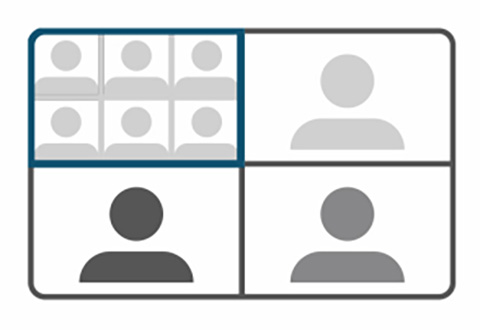
This feature displays a close-up of each participant and arranges them in a composite gallery. Individual framing is used for meetings with up to six participants in the room. From seven people onwards, it yields to group framing to optimise the display.
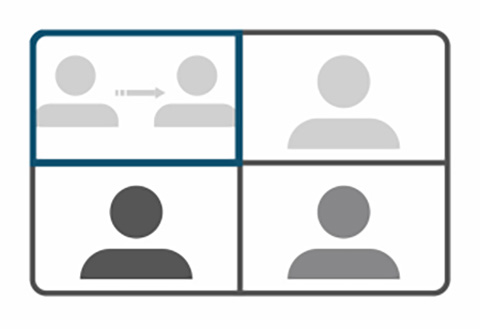
This feature displays a close-up of the main presenter on screen, and the camera follows them in real time as they move. You can use this mode during presentations, training sessions, or other dynamic engagements with a virtual audience.
-
2. Poly NoiseBlock AI and audio innovations.
Poly audio technology ensures smooth, accessible and crystal‑clear communication, whatever the participants’ environment. Being able to hear and be heard clearly on both sides is essential for effective collaboration and an optimal experience for everyone.
To streamline exchanges, this feature leverages machine learning to identify and block disruptive noises, such as passing trains, the constant hum of air conditioning, keyboard clatter and the rustle of paper.
This technology eliminates background noise that could disturb calls. It uses the microphones in your conference room to define a disturbance‑free zone.
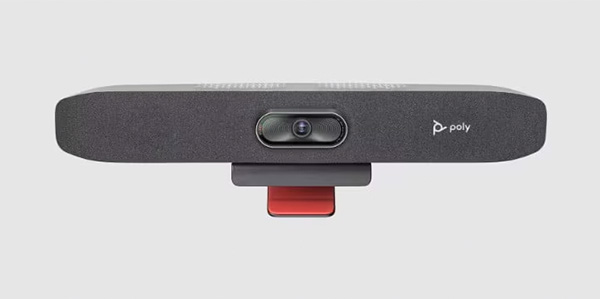
USB video conferencing bar for small spaces
- USB PC connectivity
- Crystal-clear video with an overview of the room
- Intelligent camera technology
- Powerful speaker optimised for small spaces
- Background noise filtering
USB video conferencing bar for medium spaces
- USB PC connectivity
- Unrivalled sound quality
- Videos as natural as a face-to-face meetings
- Easy to manage and deploy
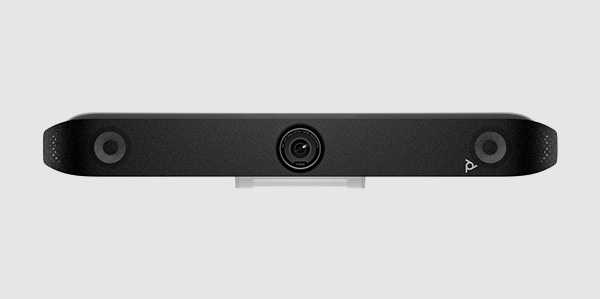
Premium USB video bar, perfect for medium-sized venues.
-
Poly DirectorAI avec détection des haut-parleurs
-
Saisie de groupes
-
Vision claire et nette
-
Certifié pour Microsoft Teams
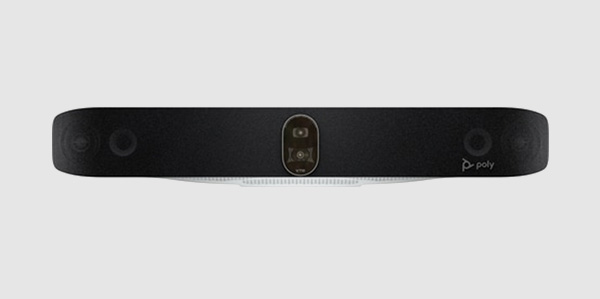
High-end USB video bar for improved collaboration in large rooms.
-
Crystal-clear sound
-
4K 20MP video bar cameras, ideal for large rooms with a 70° and 120° field of view
-
Integrated AV technology
-
Enhance collaboration with Poly Lens software for remote device management.
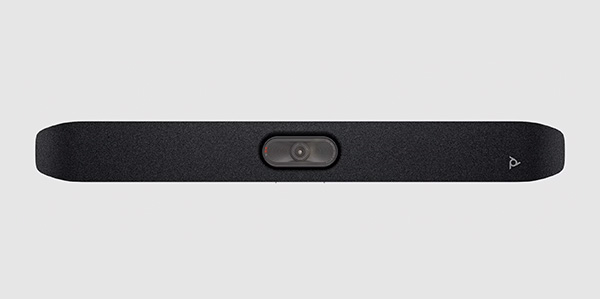
All-in-one videoconferencing bar for small rooms
- Integrated videoconferencing applications with comprehensive functions
- 4K-UltraHD camera with 120° field of view
- Technology for intelligent camera control
- Anti-noise design
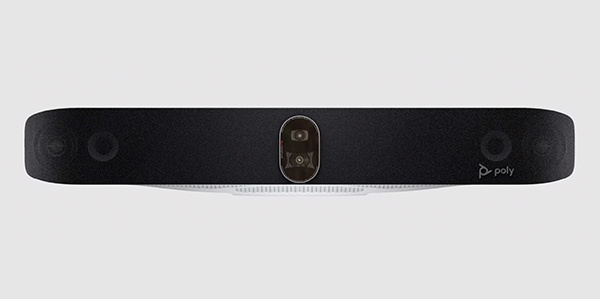
All-in-one videoconferencing bar for large meeting rooms
- Two 4K cameras with 20 MP fields of view of 70° and 120°.
- Technology for intelligent camera control
- Beamforming microphone bay
- Noise-cancelling design
All-in-one video conferencing bar for medium-sized meeting rooms
- Integrated video applications – No PC required
- 4K camera with a 95° field of view
- Intelligent camera technology
- Simple configuration and all-in-one design
- Noise-reducing technology