Label printers –
An essential guide to process optimisation.
Read our guide to discover how to efficiently choose, implement and manage your label printers. Zebra Technologies’ Paulo Santos tells us all about best practices and finding a solution that suits your needs.
What kinds of label printers are out there and what are they best suited for?
There are three kinds of printers, which are described below:
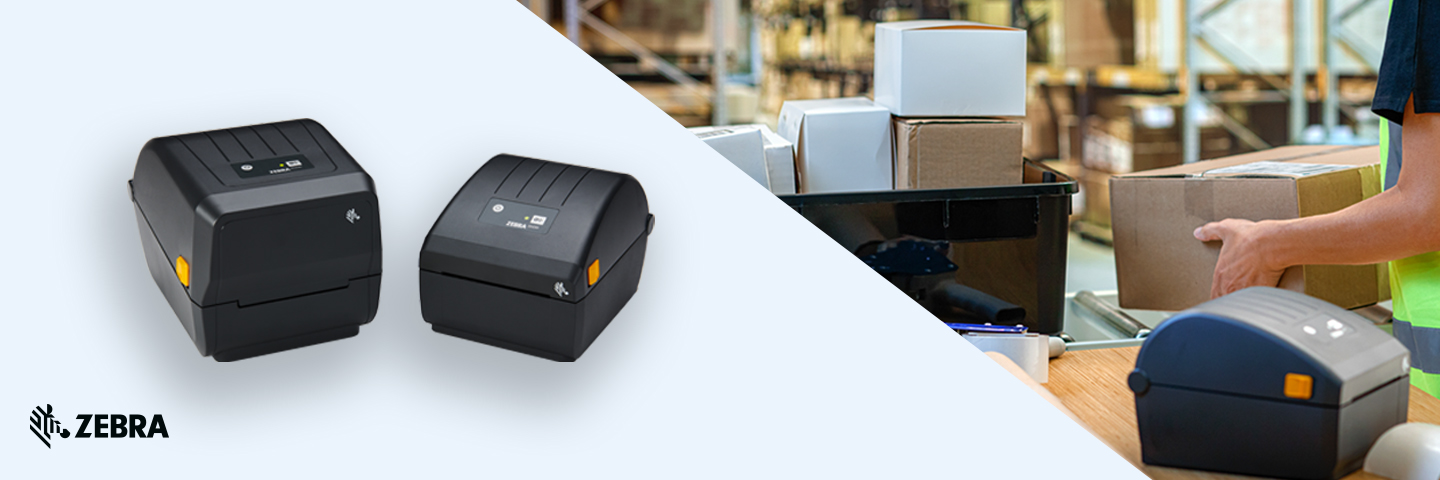
Desktop – These are lightweight printers with a plastic housing designed to print relatively low daily volumes of up to 1,000 labels depending on the model.
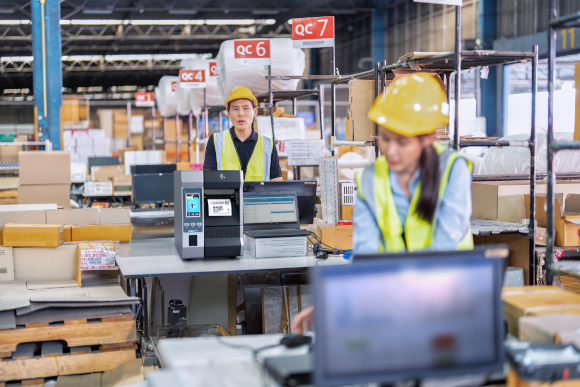
Industrial – These printers are generally more robust that desktop models as they are made either entirely or in part of metal depending on the model.
Their media capacity is bigger meaning they can support larger rolls of labels and ribbons. They can also be upgraded with a wide-range of accessories and can print a large volume every day with some models capable of 24-hour operation.
Mobile – These printers have been specially designed for people who are often on the road and are battery-powered so you don’t need to worry about staying close to a wall socket.
Their size means they have much smaller label roll capacities and there are some models that are designed to withstand falls and other accidents. These printers are only available as thermal direct models.
How to choose the right label printer.
Things you should consider.
There are several criteria to look at before making a purchase and users need to think about both their current and future needs, but also the industry and applications the printer will be used for. Here are some questions to consider:
-
What is the daily print volume? How are the labels printed during a shift?
-
What kind of labels do you want to print? Thermal direct, thermal transfer or linerless?
-
Is 203 dpi sufficient or do you need a bigger resolution? Consider the label size and character length.
-
How robust do you need the printers to be? Is plastic OK, or would metal be better?
-
Do you need cutting, peeling or rewinding capabilities?
-
Which connectivity type do you need?
-
What’s the maximum label size to be printed?
-
Will the printer be a fixed installation or does it need to be portable?
-
Does it need to integrate with other systems (e.g. ERP)?
-
Do you need to encode RFID or might this be something that you’ll need into the future?
What are the key challenges when it comes to label printers?
While it greatly depends on the industry and application, generally speaking, challenges are often related to:
- Label design and integration with systems and databases.
- Technical support or service level that meets user expectations.
- Choice of quality consumables.
- Having a model that will meet the users’ requirements today and into the future
Can label quality influence printing?
Yes, both in terms of the print quality itself because it affects legibility, and the adhesive, which won’t stay stuck if it is of a poor quality.
But it’s not just about the quality of the material per se, it’s also important to choose the right consumables for the intended use.
IT departments have to deploy and monitor the equipment. Does Zebra have tools to support this process?
Yes, we offer Print Profile Manager Enterprise (PPME), which allows Zebra Link-OS printers to be managed both locally and remotely no matter their model or type.
Can label printers be targeted in cyberattacks? And how does Zebra ensure printers are secure?
Yes, they can. Unfortunately, when companies are defining their security policies, they often overlook their printer fleet, leaving a door wide open to hackers.
Zebra has not only been warning of these vulnerabilities for many years, we have also designed the PrintSecure tool for Link-OS printers to prevent these attacks.

Paulo Santos
Channel Account Manager Portugal
Iberia Print Specialist
Zebra Technologies
Can labels be printed sustainably, and how does Zebra support corporate environmental goals?
There have been plenty of developments in this area over the last few years with the introduction of biodegradable labels and linerless solutions, which mean the labels don’t have any hard-to-recycle backing paper. Instead, the roll is one single label that is cut to size, with the benefit being it can be cut to the exact length you need. Zebra Technologies has also been reducing plastic packaging.
What tools and services do Bechtle and Zebra offer customers to support them in their decision-making process?
Zebra has put together a printer selector tool: https://connect.zebra.com/printerselector_es_es
But for me, the best service is a personal consultation that guides customers along the selection process.
Preencha o formulário para saber mais sobre esta oferta.
* Mandatory field. If you’d like to know more about how we handle your personal data, please read our Privacy Policy.