

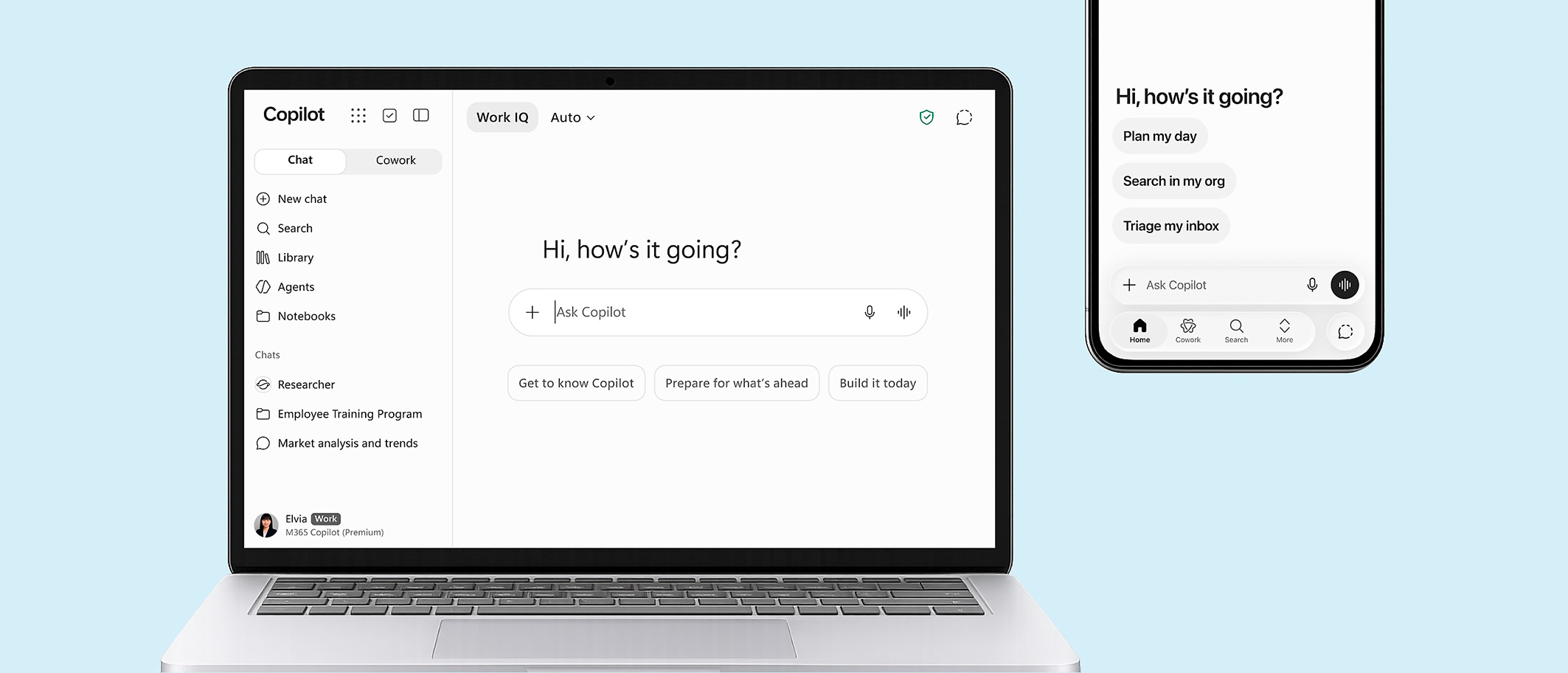
Boost productivity with agents in Microsoft 365 Copilot Business Chat.
What are agents?
Agents in Business Chat are designed to optimise business processes and boost productivity. They help automate workflows, take action when prompted and eliminate repetitive tasks—making your workday easier and more efficient. Microsoft 365 Copilot offers a set of ready-to-use agents, or you can create your own to fit your specific needs.
Use ready-to-go agents in Microsoft 365 Copilot Chat.
Select “Get agents” from the right-hand panel in Microsoft 365 Copilot Chat. Search for a specific agent or browse the library.
Microsoft agents you can try today:
Query Advisor.
Create effective Copilot queries.

Idea Advisor.
Get support for brainstorming.

Writing Advisor.
Refine and perfect your writing.

Professional Advisor.
Receive tailored professional guidance
and action plans.

Learning Advisor.
Explore topics and
sharpen your skills.

Visual Creator.
Design images and videos.

- Select “Create an agent” from the right-hand panel in Microsoft 365 Copilot Chat to open the agent builder.
- Enter details such as your agent’s purpose, relevant data sources and desired behaviour—how it should work and the tone you want it to use.
- Choose “Configure” to further customise the agent.
- Click “Create” to publish your agent.
To edit or share agents, open the agent builder by selecting “Create an agent”, expand the dropdown menu at the top and choose “View all agents”.
- Automate legal and contract reviews
- Support new employees during onboarding
- Efficiently screen CVs
- Retrieve research materials from company databases
- Get instant answers on company policies
Get in touch with Alberto Blázquez,
Cloud Solutions Architect at Bechtle; alberto.blazquez@bechtle.com