Lenovo AI PCs
Lenovo Logo color

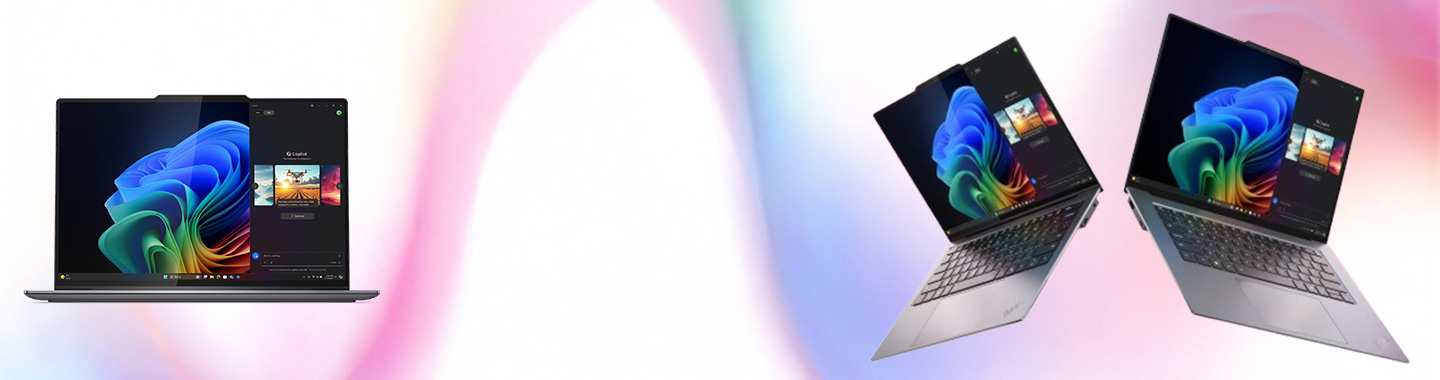
Business-Ready AI for Real-World Benefits.

Adapt, Innovate, and Drive Success.

Save time and improve accuracy in mission-critical business operations with AI tailored for changing, industry-specific needs.1

Powerful Performance for Transformative Impact.

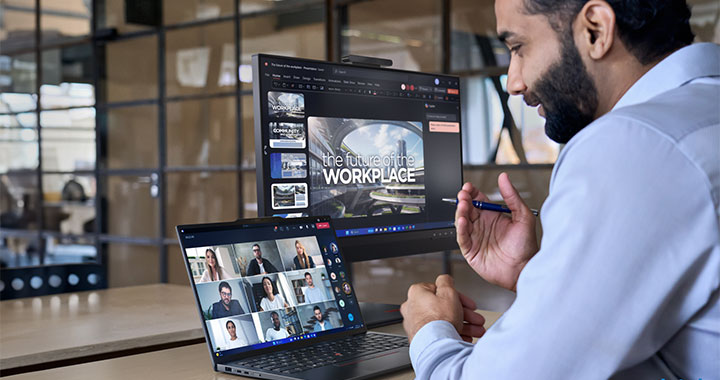
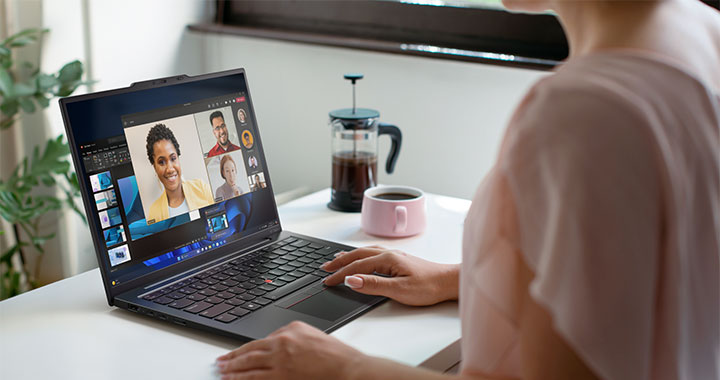
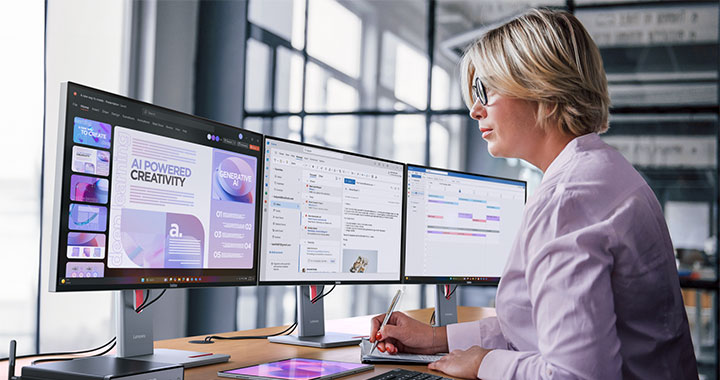
Charge once and unplug all day with devices that are 5X faster than 5-year-old Windows PCs. Get the best video conferencing, exclusive AI features1, and long battery life.2

Based on Cinebench 24 Multi-Core benchmark.

Unlock Efficiency and Innovation.

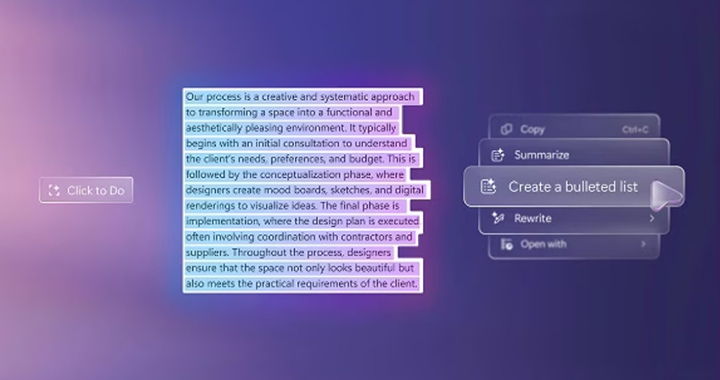
Experience the ease of AI in familiar apps, with helpers like Click to Do (preview)3 and Recall (preview)4 to simplify workflows and find what you need fast.

Lenovo AI PCs Screenshot1

Click to Do (preview).

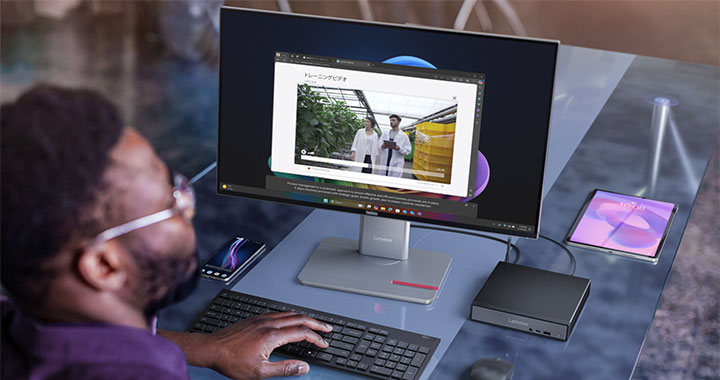
To help stay in the flow, highlight any text or image on your screen and Click to Do intelligently provides suggestions for your next step.

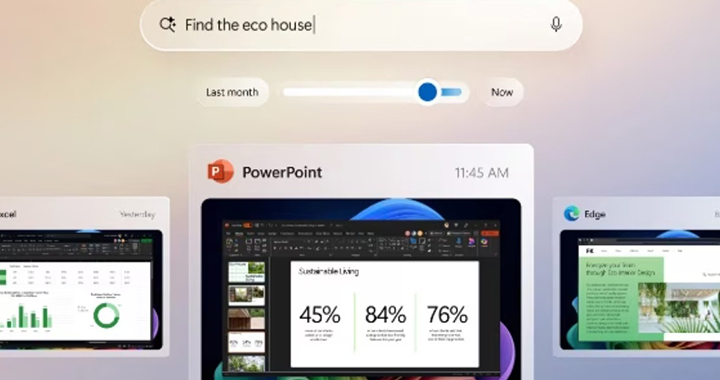
Lenovo AI PCs Screenshot2

Recall (preview).

Find almost anything that’s appeared on your screen by describing it in your own words and Recall will find it.

Most Powerful Windows Security.

Safeguard mission-critical operations with the highest protection for devices, identities, and data and Secured-core PC and Microsoft Pluton by default.

Improve Operational Efficiency.

Get an edge with granular IT controls, powerful data security, and tools to drive new opportunities with custom AI.

Grow Your Business with Copilot+ PCs.

The fastest, most intelligent, and secure Windows PCs ever. Unlock efficiencies across your organization with powerful, smart computing at your service.

Find the Right Business PC.

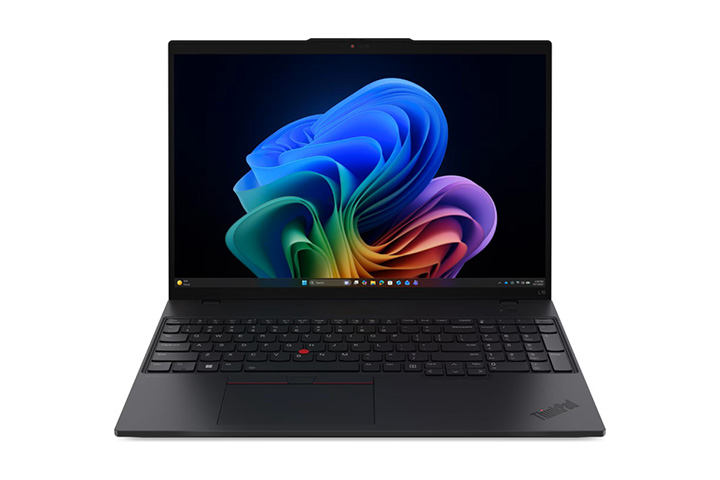
ThinkPad L Series.

ThinkPad T Series.

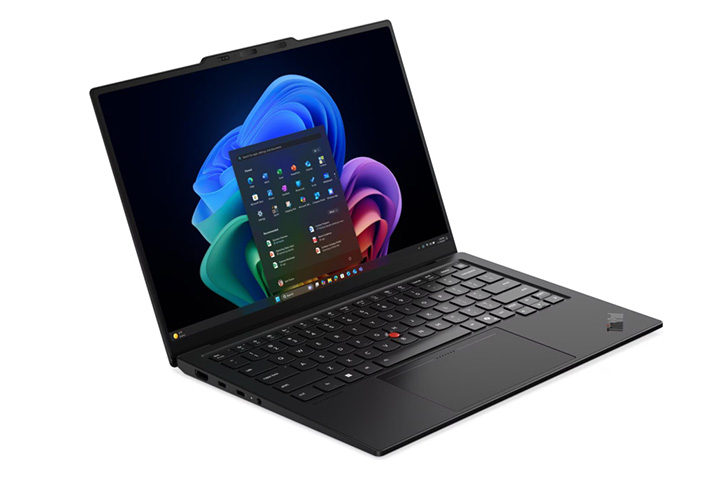
ThinkPad X1 Carbon Series.

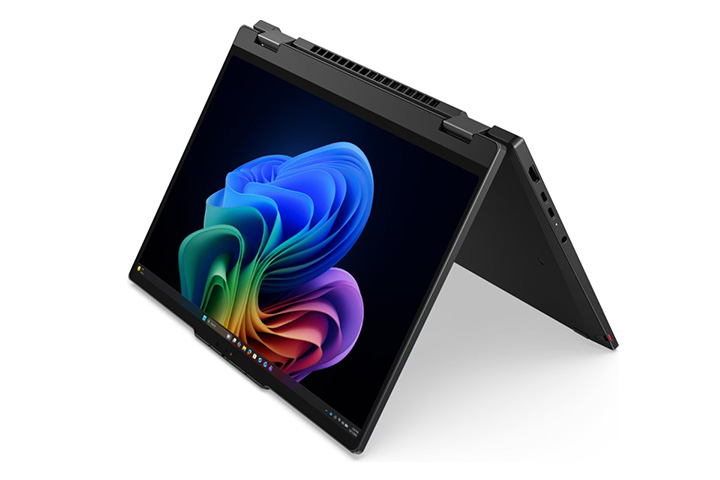
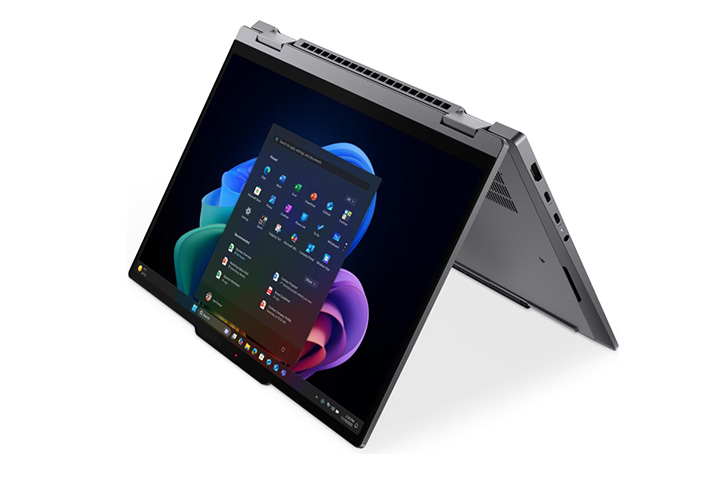
ThinkPad X1 2-in-1 Series.

1 Copilot+ PC experiences vary by device and region and may require updates continuing to roll out through 2025; timing varies. See aka.ms/copilotpluspcs.

2 Battery life varies significantly by device and with settings, usage and other factors. See aka.ms/cpclaims

3 Available starting early 2025 in most markets; rolling out to the European Economic Area later this year. Optimized for select languages (English, Chinese (Simplified), French, German, Japanese, and Spanish). Content-based and storage limitations apply. Requires Windows Hello Enhanced Sign-in Security. See aka.ms/copilotpluspcs

4 Available on Copilot PCs with Snapdragon® X Series processors starting early 2025, and on other devices starting mid-2025; coming later to Copilot+ PCs in the European Economic Area. Functionality will vary by market; text actions available across markets in select character sets. See aka.ms/copilotpluspcs

5 Available starting mid-2025. Works with specific text, image, and document formats only; optimized for select languages (English, Chinese (Simplified), French, German, Japanese, and Spanish). See aka.ms/copilotpluspcs

6 Windows can back up files, settings, and apps from PCs running Windows 10 and higher. Restore is available on Windows 11, version 22H2 and higher. Geographic restrictions may apply.

7 Requires Microsoft account. Up to 5 GB of Microsoft Storage is included. Data transfers exceeding 5 GB require an active Microsoft subscription or trial.

8 When you open apps for the first time on your new Windows 11 PC, some will reinstall when you first open them. Other apps may require you to reinstall them manually from the original app provider.