

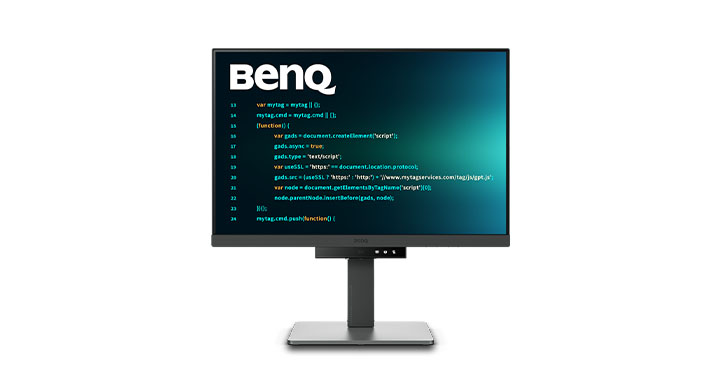
What is Coding Mode?
BenQ’s Coding Mode is a specialised display setting available on the RD Series monitors, aimed at providing the best possible text clarity for programmers. It works by fine-tuning the contrast, brightness and sharpness to render each character with precision, helping you work more efficiently and relieve the strain on your eyes, particularly during long coding sessions.

Technical benefits of the RD Series.
The RD Series monitors also come with a high resolution of up to 4K+, a wide colour gamut of up to 98% P3, and a high contrast ratio up to 2000:1 (depending on models). These features ensure that programmers can read their code easily, even during long working hours. They also feature technologies such as Flicker-Free and Business Intelligence Gen2 to prioritise your eye health.
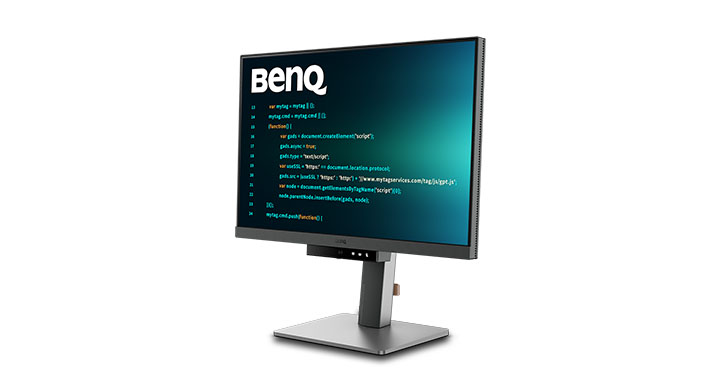
Why choose a BenQ RD Series monitor?
The BenQ RD Series offers everything programmers and computer scientists need—optimum text clarity, less eye strain and a more pleasant working environment. Features such as the Fine Coated panel minimise reflections while Color Weakness mode makes this a top choice for demanding coders.