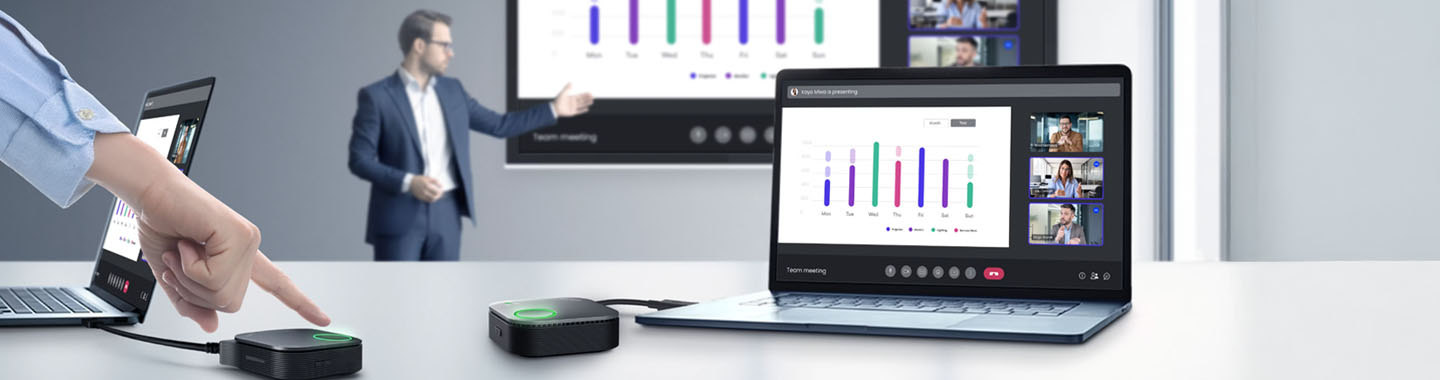


In the background, a man stands in front of a large screen giving a presentation. In the foreground, there is a table with two laptops and a hand pressing the BenQ InstaShow presentation button.
BenQ Logo

InstaShow® by BenQ.

The professional wireless presentation solution for modern meeting and conference rooms.

Modern workplaces call for flexible, secure and intuitive presentation tools. With the BenQ InstaShow® series, teams can present and collaborate wirelessly—with no software installation, and without compromising on security or performance. Whether it’s a small meeting room or a hybrid conference space, InstaShow® offers the right solution for every setting.

Savelistas CSV for invoices Download Icon

Plug & Play.

No software, no drivers, no sign‑ins—just plug in and start presenting.

Dataprotection Icon

Advanced security.

AES‑encrypted transmission and complete network isolation protect your organisation’s sensitive data.

Meeting online Icon

Ideal for hybrid meetings.

Perfect for modern meeting rooms, training spaces and hybrid working environments.
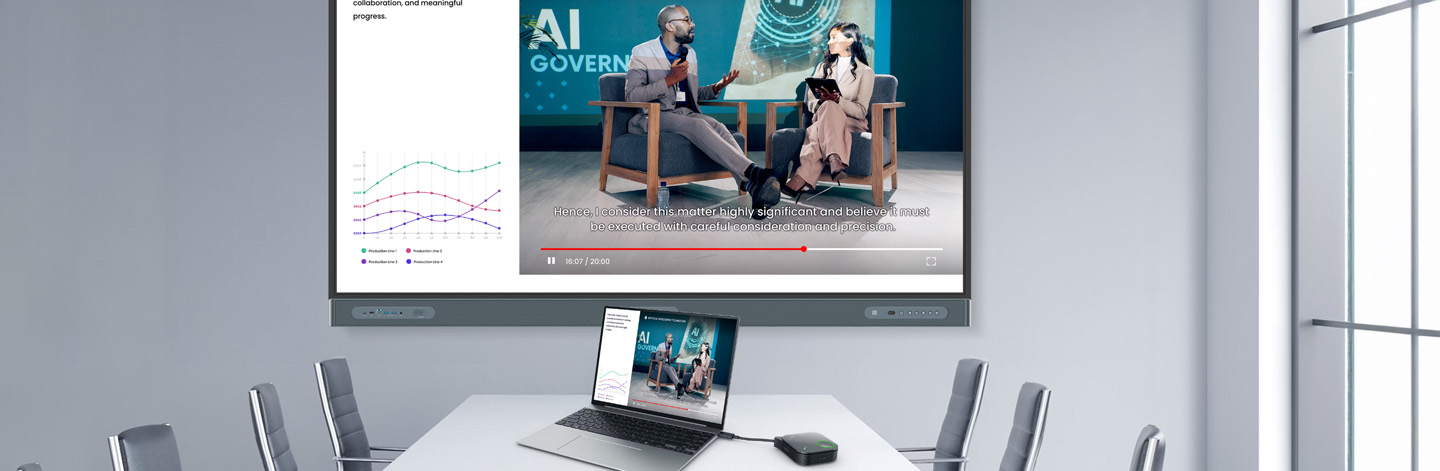
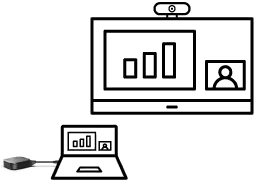
A meeting room with a large monitor showing two people and a graphic. In front of it is a table with a laptop and the BenQ InstaShow presentation system.

VS25 – BenQ’s flagship for high‑end wireless collaboration.

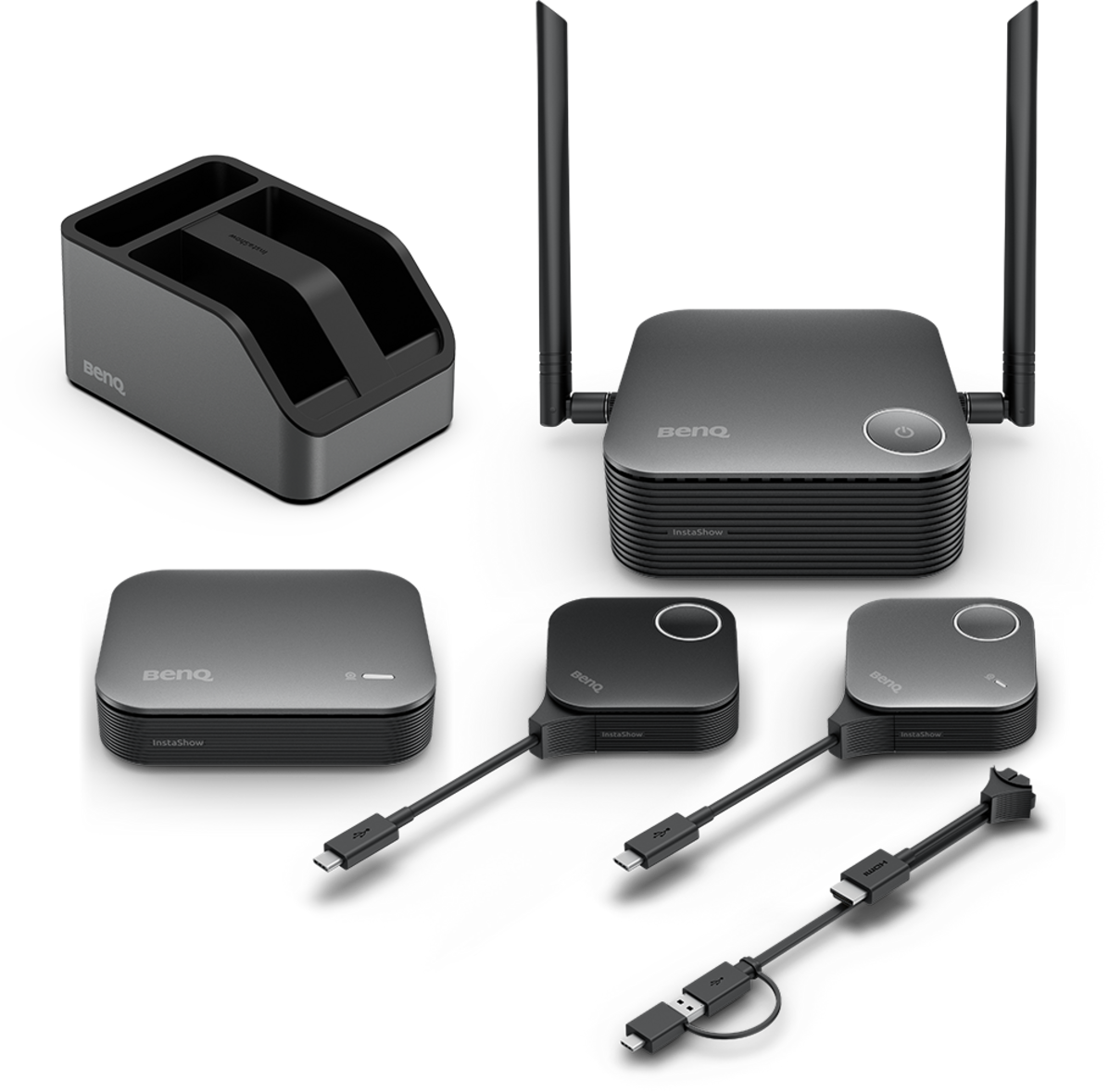
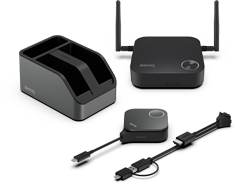
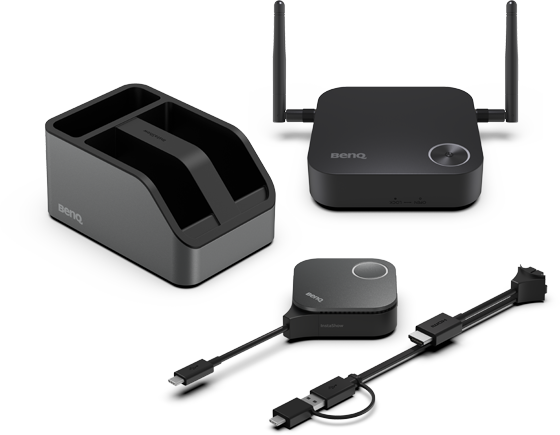
The BenQ InstaShow® VS25 wireless presentation system.

The BenQ InstaShow® VS25 is the premium solution for high‑end meeting and conference rooms. Designed for organisations that demand maximum security, outstanding performance and a truly effortless user experience.

Separate networks for presentation and IT security.
The VS25 uses two clearly separated network domains so presentation devices remain isolated from the internal company network, preventing external devices from gaining access to sensitive corporate data.

Simple and secure for every user.
Participants can present wirelessly—with no software installation, no sign‑ins and no network access required, reducing the IT workload and minimising security risks.

BYOM‑ready for hybrid meetings.
Use popular conferencing tools such as Microsoft Teams, Zoom or Webex directly from your own laptop—ideal for hybrid meetings.

Central management for IT teams.
The VS25 can be centrally managed and integrates smoothly into existing IT infrastructures.*

Stable performance even with multiple participants.
Smooth image transmission with low latency—even in large meetings.

BenQ InstaShow VS25 Presentation System
Present wirelessly. Collaborate securely. Start instantly.
Please allow cookies to see content from YouTube.

We use YouTube to embed video content on our website. This service may collect data on your activity. For more information, please go to the settings page.

The right InstaShow® solution for every meeting scenario.

Whether you’re hosting hybrid conferences, classic presentations or spontaneous small‑group discussions, the BenQ InstaShow® series supports a wide range of room sizes and use cases—helping organisations run meetings efficiently and without interruptions.

BenQ InstaShow wireless presentation

Wireless conferencing.

Start a hybrid meeting with in-person and remote participants seamlessly.

BenQ InstaShow wireless conferencing
Wireless presentation.

Instantly mirror your laptop or mobile device onto a shared screen.

BenQ InstaShow® VS25
Small to large meeting rooms

(2 - 30 people)

BenQ InstaShow wireless conferencing

Wireless presentation.

Instantly mirror your laptop or mobile device onto a shared screen.

BenQ InstaShow® WDC25
Small to large meeting rooms

(2 - 30 people)

Coming soon
BenQ InstaShow® WDC15
Huddle space to small meeting rooms

(1 - 8 people)

The right InstaShow® solution for every room.

The BenQ InstaShow® series is designed for real‑world working environments. In practical, everyday scenarios, the InstaShow® family shows how meetings can become more efficient, flexible and productive—without technical barriers. To help you choose the right wireless presentation solution, the overview below provides a direct comparison of the three InstaShow® models. 

Key Spec
VS25 (New)
WDC25 (New)
WDC15 (New)
Meeting Type

Hybrid meetings in medium to large rooms 

Small to large rooms for multi-device collaboration 

Small meeting room 

BYOD

AirPlay, Google Cast, Miracast 

AirPlay, Google Cast, Miracast 

N/A

Button Interface

USB-C (Default) &HDMI (Switchable; U-magnet bolt design)

USB-C (Default) &HDMI (Switchable; U-magnet bolt design)

USB-C (Default) &HDMI (Switchable) 

Split Screen

4

4

N/A

Special Features

HID Touchback Support 

HID Touchback Support 

HID Touchback Support 

Output Resolution

Up to 4K@60 fps

Up to 4K@60 fps

Up to 4K@30 fps

Wi-Fi Standard

Wi-Fi 6

Wi-Fi 6

Wi-Fi 5

Transmission Distance

40 m

40 m 

15 m 

Max. Connections

64 

64 

16

Wi-Fi Encryption

WPA3 Enterprise

WPA3 Enterprise 

WPA3 

Wireless Video Conferencing Support

Yes

N/A 

N/A 

Find the perfect InstaShow® solution at Bechtle.

Discover the best BenQ InstaShow® solution for your meeting and conference rooms and benefit from maximum flexibility, security and ease of use.

WDC15 – The simple way to get started with wireless presenting.

BenQ InstaShow® WDC15
WDC15 – The simple way to get started with wireless presenting.

The BenQ InstaShow® WDC15 is ideal for small meeting rooms and huddle spaces.
Ready to use straight away, with no technical setup required.


Highlights:

  • Plug & Play with no software or drivers
  • Secure, encrypted transmission
  • Intuitive operation for guests and internal users
  • Ideal for spontaneous meetings and small teams
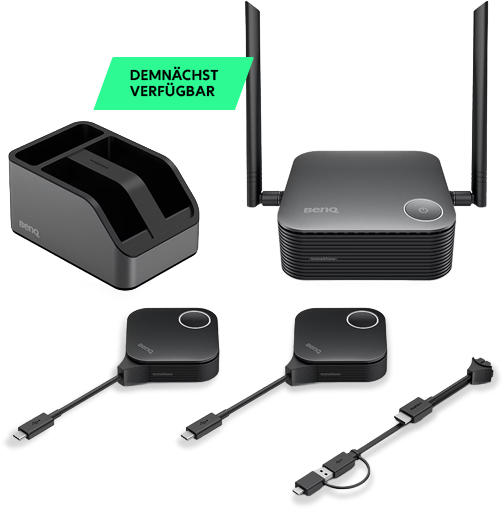
WDC25 – More performance for larger meeting rooms.

BenQ InstaShow® WDC25 - available soon
WDC25 – More performance for larger meeting rooms.

The BenQ InstaShow® WDC25 expands the portfolio for medium‑sized meeting and conference rooms with greater demands on range and performance.


Highlights:

  • Wireless presentations for larger spaces
  • High transmission stability and image quality
  • Secure integration into professional meeting environments
  • Ideal for organisations with growing collaboration needs

Ralf Schmitt
Ralf Schmitt

Your contact for BenQ presentation systems.

Frequently asked questions about the BenQ InstaShow®:

What is BenQ InstaShow® and what is it designed for?
What distinguishes the VS25, WDC15 and WDC25 models from one another?
How secure is wireless transmission with BenQ InstaShow®?
Does InstaShow® support hybrid meetings and BYOM functions?
How can InstaShow® be integrated into existing IT infrastructures?
What is BenQ InstaShow® and what is it designed for?

BenQ InstaShow® is a wireless presentation solution for meeting rooms, conference rooms and training environments. The systems enable presentations without any software installation, drivers or network access. Thanks to high security, intuitive operation and stable transmission performance, they are suitable for classic meetings, hybrid sessions, training setups and larger conference environments. The series includes different models to support everything from huddle spaces and medium‑sized rooms to professional collaboration scenarios.

What distinguishes the VS25, WDC15 and WDC25 models from one another?

The InstaShow® models differ primarily in performance, security features and recommended room size.
WDC15 is ideal for spontaneous meetings and small rooms – Plug & Play with no software.
WDC25 offers greater range and performance for medium‑sized meeting rooms.
VS25 is the premium solution with BYOM support, network isolation, central management and maximum performance for professional conference rooms and boardrooms.
This ensures that every organisation can find the right solution for its meeting environment.

How secure is wireless transmission with BenQ InstaShow®?

InstaShow® uses AES‑encrypted transmission, complete network isolation and operates without software installations or drivers to minimise potential attack surfaces. The VS25 in particular separates presentation and corporate networks, providing strong protection for sensitive company data. And because no internet connection or sign‑in is required, confidential information remains consistently protected.

Does InstaShow® support hybrid meetings and BYOM functions?

Yes. InstaShow® is designed for modern working environments and fully supports hybrid meetings. VS25 especially enables BYOM (Bring Your Own Meeting), allowing users to run tools such as Microsoft Teams, Zoom, Webex and other conferencing platforms directly from their own laptop. Audio, video and control data are transmitted reliably, enabling hybrid teams to collaborate without technical barriers.

How can InstaShow® be integrated into existing IT infrastructures?

The systems operate independently of the corporate network, meaning no complex integration is required, making it easy for guests to use and reducing the IT workload. The VS25 also offers central management (from Q3 2026), allowing IT departments to monitor devices, configure settings and roll out updates in a controlled manner. This ensures InstaShow® integrates seamlessly into professional meeting environments and existing AV infrastructures.