
Support for Windows 10 ended on 14 October 2025.

Make the switch to Windows 11 Pro to ensure you continue to receive security updates and benefit from greater protection, productivity and performance.
That’s the power of Windows 11 Pro PCs with Intel vPro®.

Shop Intel vPro® devices

Microsoft and Windows 11 Logo
Intel Core Ultra and Copilot PC

Support for Windows 10 ended on 14 October 2025.

Make the switch to Windows 11 Pro to ensure you continue to receive security updates and benefit from greater protection, productivity and performance.
That’s the power of Windows 11 Pro PCs with Intel vPro®.
Shop Intel vPro® devices

Work securely with Intel vPro® PCs for enterprise.

Security
Business readiness
Productivity
Performance
Security
Security.

Stay alert and protect yourself from emerging threats.

70% smaller attack surface with Intel vPro® compared to a 4-year-old device.1

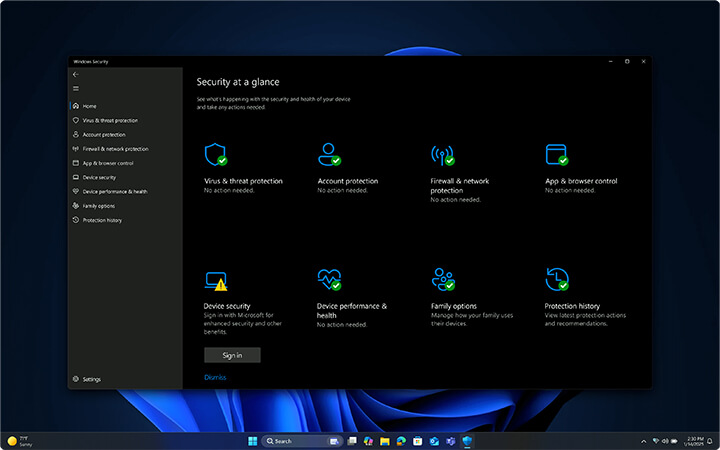
Windows 11 Pro Dashboard for security at a glance

Powerful data and privacy protection.

Protect your valuable enterprise and personal data from the chip to the cloud with powerful hardware protection by default, advanced data protection settings and granular IT controls.

Protect your identity wherever you are.

Stay ahead of cyber threats with advanced credential protection—featuring secure biometric sign-in through Windows Hello for Business and proactive Intel® Threat Detection Technology.2

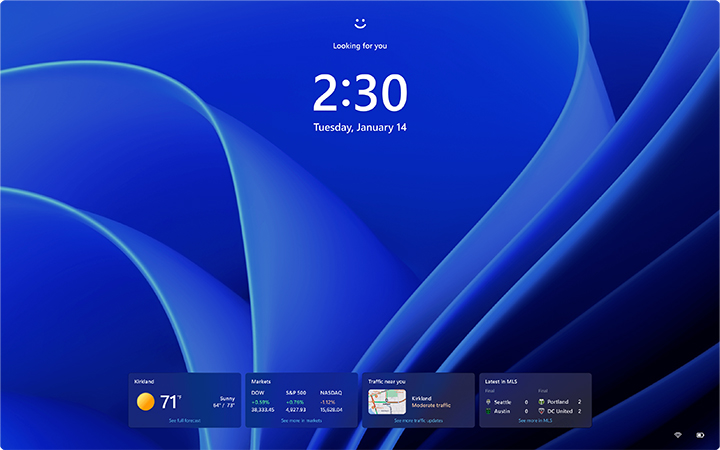
Windows 11 Pro lock screen with time, date, and personalized widgets

Protect your identity wherever you are.

Stay ahead of cyber threats with advanced credential protection—featuring secure biometric sign-in through Windows Hello for Business and proactive Intel® Threat Detection Technology.2

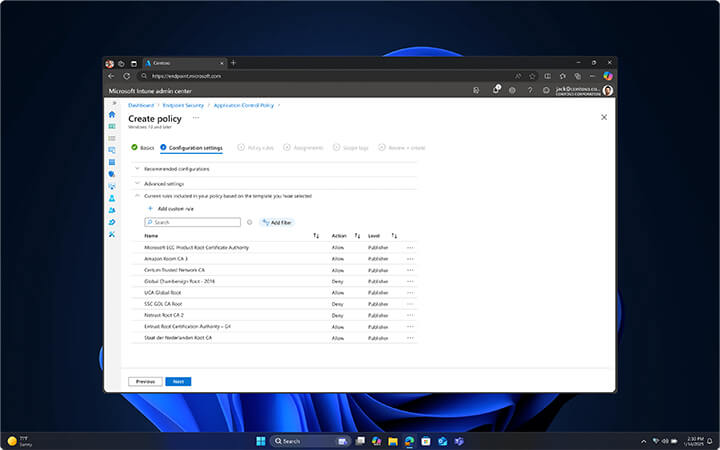
Windows 11 Pro screen with user interface

Built-in security. Security by default.

Protect your business with the most secure Windows to date. Windows 11 Pro PCs deliver built-in, always-on security layers.

Business readiness
Business readiness.
Simple deployment, compatible with all available technology.

99.7% compatibility with Windows 11 apps.3

Automatic update and deployment processes.

Get your teams up and running fast with simple remote onboarding, streamlined deployment, and automated updates.

IT scalability—from chip to cloud.

Harness the power of next-generation Windows PCs built on Intel vPro® technology as the cornerstone of your AI-driven stack—helping you scale, strengthen security, and unlock new potential.

Seamless compatibility for easy adoption.

Windows 11 Pro PCs are designed for rapid deployment and broad compatibility, ensuring a smooth transition with Windows Autopilot4 and the Intel Stable IT Platform Program.

Granular control across endpoints and AI.

Protect your business with ease by enforcing security policies across every endpoint—from PCs and apps to AI solutions.

Business readiness.

Simple deployment, compatible with all available technology.

99.7% compatibility with Windows 11 apps.3

Automatic update and deployment processes.

Get your teams up and running fast with simple remote onboarding, streamlined deployment, and automated updates.

IT scalability—from chip to cloud.

Harness the power of next-generation Windows PCs built on Intel vPro® technology as the cornerstone of your AI-driven stack—helping you scale, strengthen security, and unlock new potential.

Seamless compatibility for easy adoption.

Windows 11 Pro PCs are designed for rapid deployment and broad compatibility, ensuring a smooth transition with Windows Autopilot4 and the Intel Stable IT Platform Program.

Granular control across endpoints and AI.

Protect your business with ease by enforcing security policies across every endpoint—from PCs and apps to AI solutions.

Productivity
Productivity.
Upgrade to higher efficiency today.

90% of knowledge workers say AI saves time.5

Free up time for your best work.

Accelerate day-to-day tasks with AI-powered productivity on business-ready devices featuring Intel’s most efficient x86 processors.6

Fast, intuitive searches.

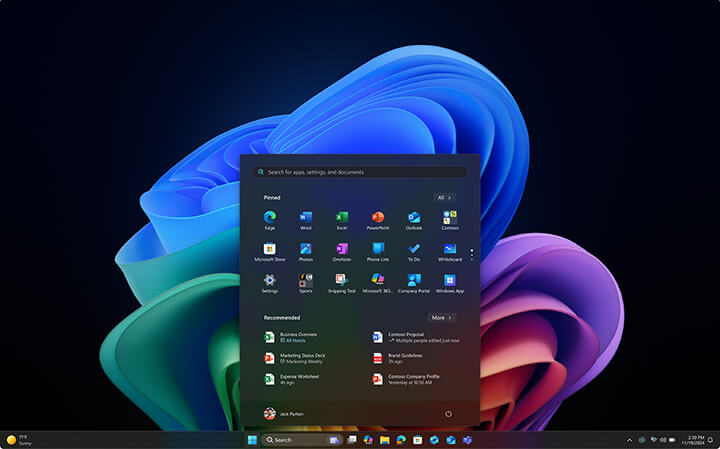
Find what you need, when you need it. Relevant results appear instantly in the Start menu, Windows Search, and File Explorer.

Stay in your flow.

Achieve more wherever you are with features like Snap layouts and dependable x86 performance—plus a long battery life.

For every way you work.

Accelerate workflows on the latest Windows 11 Pro PCs with AI-driven experiences and lightning-fast Intel performance.

Productivity.

Upgrade to higher efficiency today.

90% of knowledge workers say AI saves time.5

Free up time for your best work.

Accelerate day-to-day tasks with AI-powered productivity on business-ready devices featuring Intel’s most efficient x86 processors.6

Fast, intuitive searches.

Find what you need, when you need it. Relevant results appear instantly in the Start menu, Windows Search, and File Explorer.

Stay in your flow.

Achieve more wherever you are with features like Snap layouts and dependable x86 performance—plus a long battery life.

For every way you work.

Accelerate workflows on the latest Windows 11 Pro PCs with AI-driven experiences and lightning-fast Intel performance.

Performance
Performance.

Set the pace with superior power.

Experience workflows and collaboration up to 50% faster on average.7

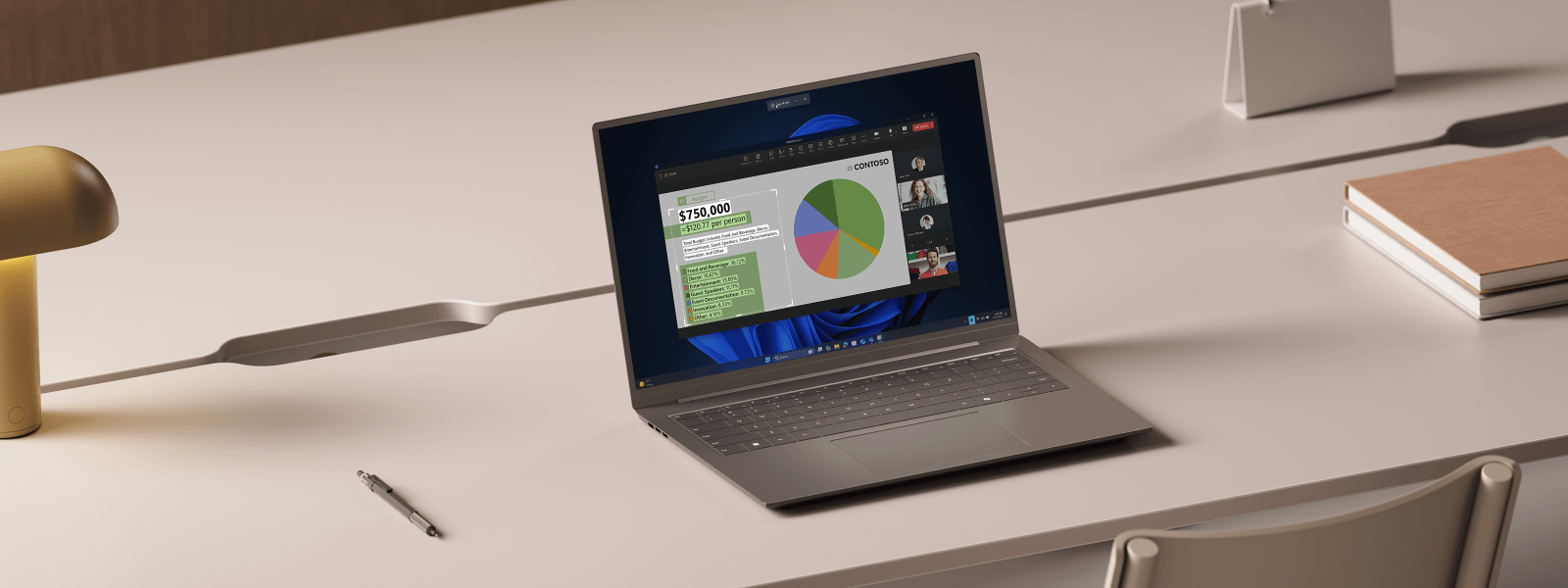
Windows 11 Pro Laptop with Snipping Tool

Pro-grade performance.

Work without limits—anywhere—on the latest Windows 11 Pro devices powered by Intel’s most efficient x86 architecture.

Personalised for every work style.

From versatile 2‑in‑1s to high-performance Copilot+ PCs, there’s a Windows PC with Intel vPro® for every way you work.

Sustainable and built for all-day productivity.

Windows 11 Pro devices with Intel vPro® deliver all-day battery life8, smart updates, and energy-saving tips—helping you work longer unplugged and embrace more sustainable ways of working9.

Shop Intel vPro® devices.

Discover more

AI for every business with Copilot+ PCs.

Accelerate success with unique AI-powered experiences and smarter, faster workflows.

Display interface from Copilot+ PC Hello

Power that makes an impact.

Copilot+ PCs with Intel® Core™ Ultra 200V deliver up to 2.7x faster performance than the most common 5-year-old Windows PCs still in use—based on Cinebench 24 Multi-Core benchmarks.


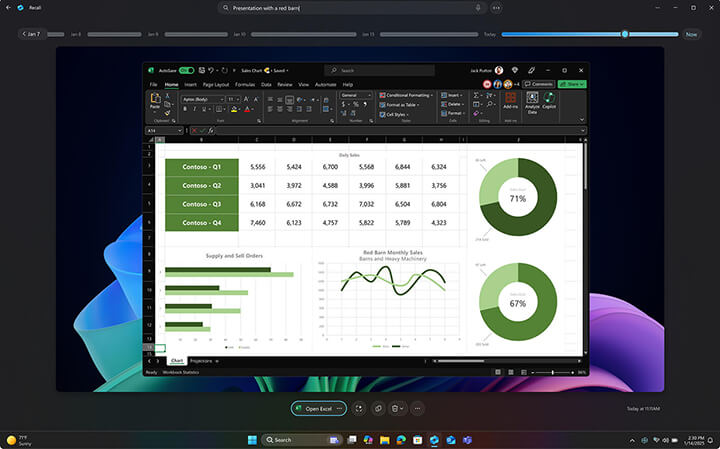
Recall almost anything—anywhere.13

With Recall (preview)13, securely search your personal timeline and nearly everything that’s been on your desktop, including apps, documents, and messages.

Screen showing Recall history on a Copilot+ PC

Recall almost anything—anywhere.13

With Recall (preview)13, securely search your personal timeline and nearly everything that’s been on your desktop, including apps, documents, and messages.

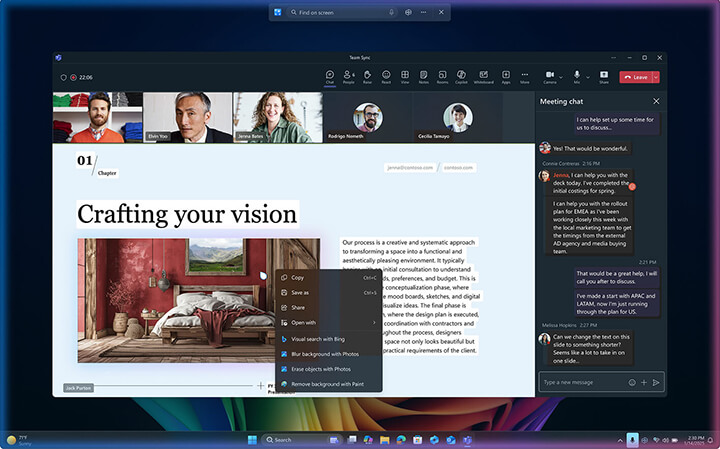
Action at the click of a mouse Screen on a Copilot+ PC

Next-level AI experiences.

Copilot+ PCs with Intel vPro® bring enhanced AI solutions to your business, featuring innovative tools like Click-to-Do (preview) for faster, smarter workflows.

Shop Intel vPro® devices.

Discover more

Please allow cookies to see content from YouTube.

We use YouTube to embed video content on our website. This service may collect data on your activity. For more information, please go to the settings page.

Performance, productivity and protection.

Discover how Intel technology and Windows 11 Pro work together to boost efficiency, strengthen security, and elevate your business performance.

62%

of users report fewer security incidents with Windows 11 Pro PCs compared to Windows 10 Pro.10

Security icon

Intel vPro® can help reduce security incidents by 150 to 250 a year.5

70%

of Copilot users say the tool helps them work more productively.11

Productivity icon

Productivity gains worth up to $25,000 per employee annually with the Intel vPro® platform.5

Speed icon

Achieve more with the power of Intel’s most efficient x86 processors.

Battery life icon

Up to 20 hours of battery life mean you can work anywhere.12

$87,000

annual IT cost savings with Intel vPro®.5

Battery life icon

Customers have seen up to a 64% reduction in overall IT maintenance costs after migrating from Windows 10 PCs to Windows 11 devices.10

Shop Intel vPro® devices.

Discover more

Frequently asked questions.
What happens when Windows 10 support ends?
How does upgrading from Windows 10 to Windows 11 work?
What is the difference between an update and an upgrade?
What happens when Windows 10 support ends?

Windows 10 PCs will keep running—but without Microsoft technical support, feature updates, or security patches, which means greater exposure to viruses and malware.

How does upgrading from Windows 10 to Windows 11 work?

You can find the full hardware requirements and upgrade specifications here.

What is the difference between an update and an upgrade?

An update is a change within the same version of Windows. An upgrade means switching to a new version—like from Windows 10 to Windows 11.